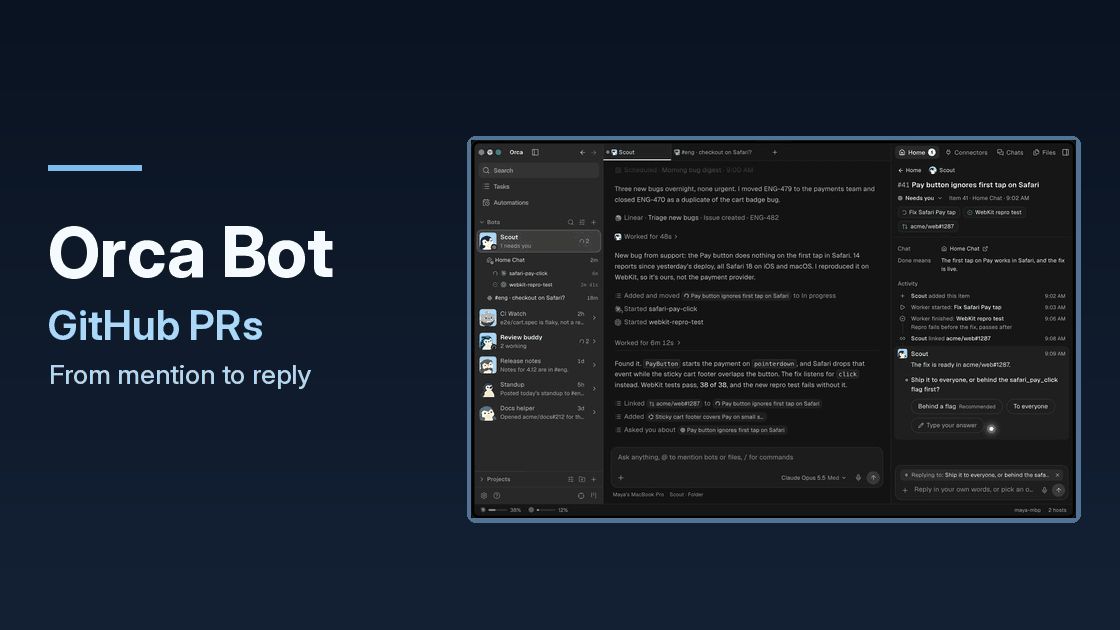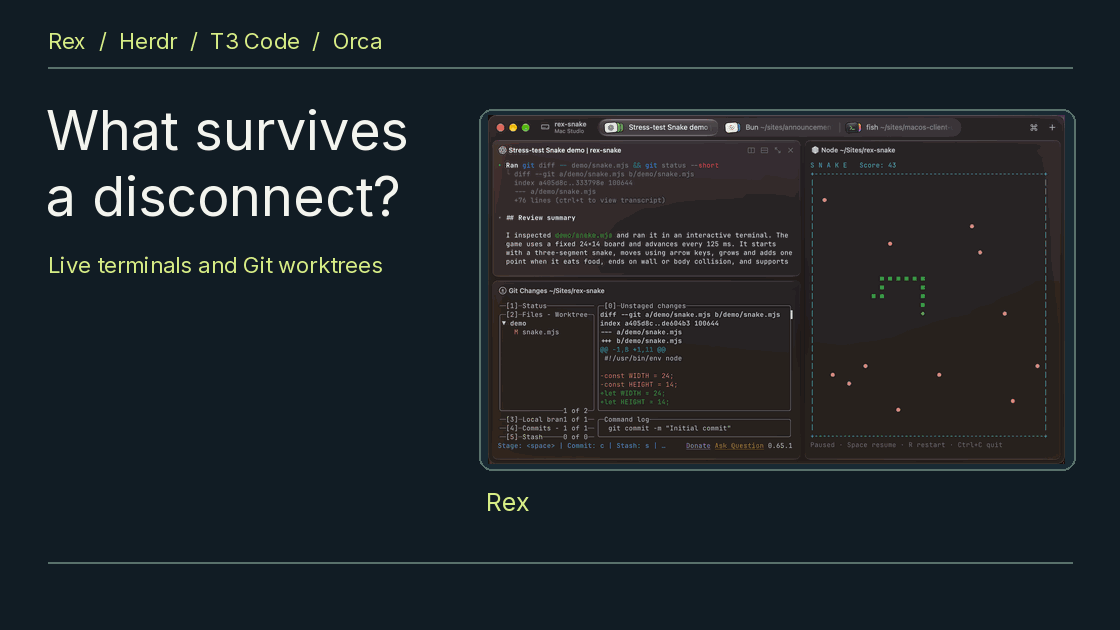
Rex and Herdr keep a terminal job running after you quit the client, provided its server stays up. As of November 30, 2026, the four tools in this comparison offer two useful ways to pick up work. Rex and Herdr give you a terminal to reconnect to. T3 Code and Orca give you Git worktrees so parallel tasks can keep separate branches and working directories.
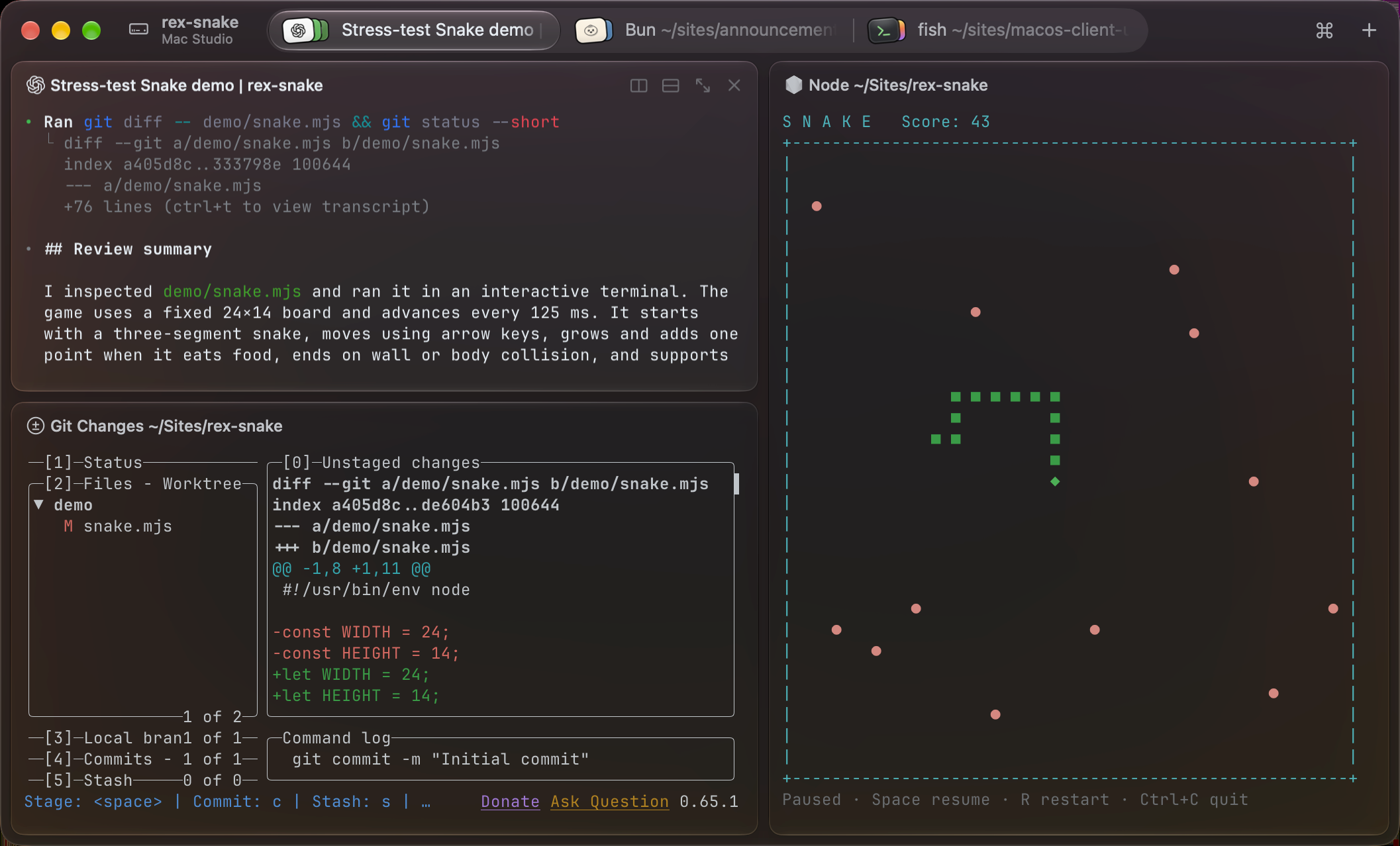
Say a test is running on a remote machine while another agent edits the same repository. When your connection drops, you want the test to keep running. When a teammate takes over the patch, they need a branch or commit, a diff and a command to check the result. Test those two handoffs separately, even if you plan to use one app for both.
Rex and Herdr keep the job on the host
A Rex client reconnects to sessions and their history on the Rex server. Superlogical began inviting testers on October 5, 2026, starting with its Mac app. Its current installation docs list Linux, FreeBSD and Windows servers for all testers. The iOS and Windows clients have a separate enrollment step. Check that step first if you want to watch a job on your phone. Rex installation docs
Herdr keeps terminals in its background server after the client closes or the SSH connection drops. Its local and remote machines appear in the same interface and reconnect independently. For someone who already runs agents over SSH, that makes Herdr a way to keep using the existing terminal workflow and see which machine still has a live job. Herdr project overview
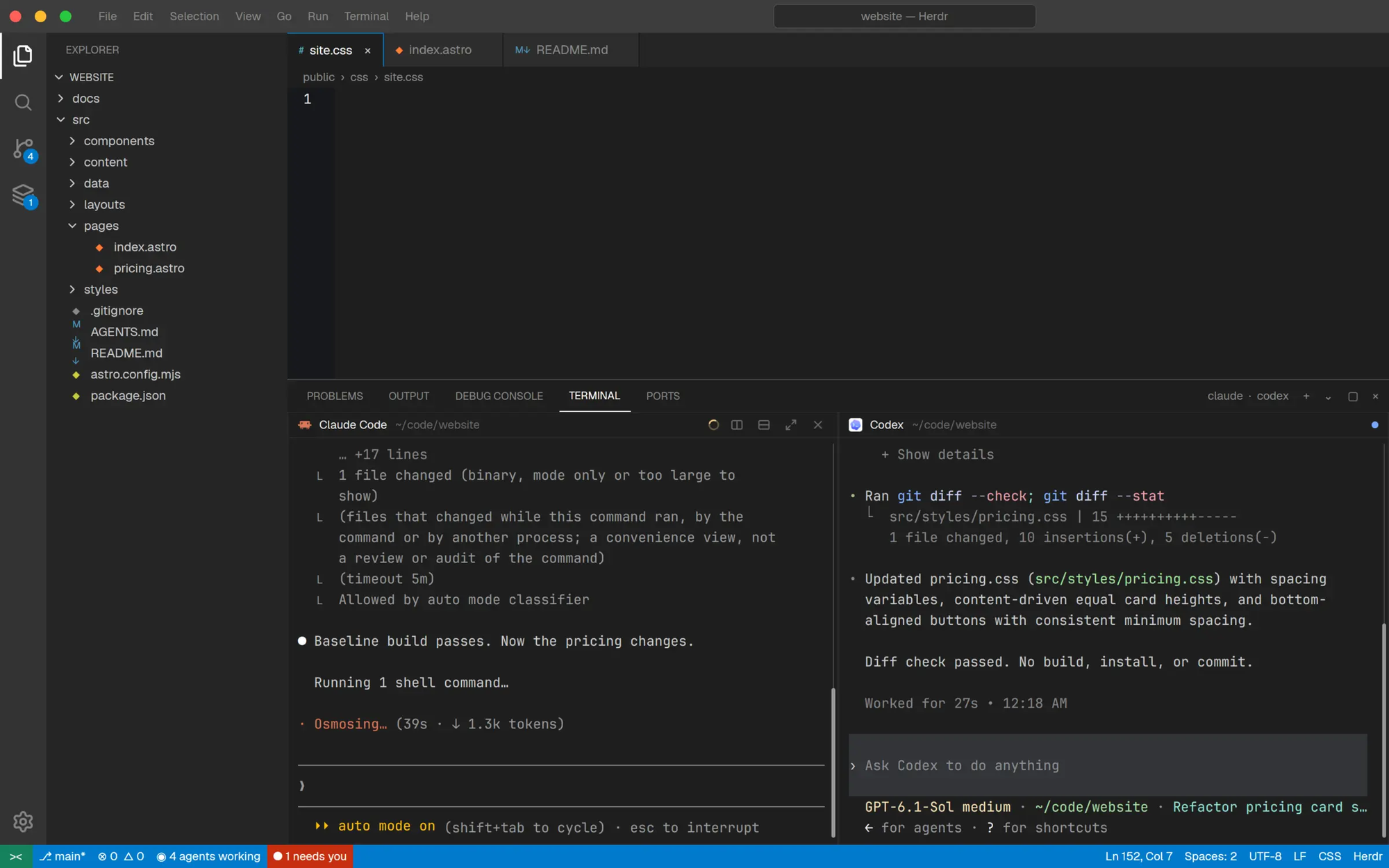
Restart the server and check what comes back
Rex restores the tabs, panes and working directories after a server restart. Its default is to start a new shell. With Rex's hook and a matching trust rule, Claude Code can start again in the previous conversation, using a fresh terminal environment. The docs list Codex as a program with a built-in rule that still lacks the reporting needed to resume. Rex session restore docs
Herdr restores its saved layout and can resume supported agent sessions. Its documentation is explicit that the original processes end when the server or machine restarts. Herdr project overview
To see the difference on your own setup, run the probe below in a disposable working directory. Close the client while it is printing, wait a few seconds, then reconnect and read the log. For a server restart, start a second run in an environment you can safely restart.
sh -c '
  i=0
  while [ "$i" -lt 30 ]; do
    printf "%s pid=%s tick=%s\n" "$(date -u +%FT%TZ)" "$$" "$i"
    i=$((i + 1))
    sleep 2
  done
' | tee agent-session-probe.log
Look for timestamps and increasing tick values during the gap. That shows that the original probe ran while the client was gone. A reused PID can look familiar on its own, and a restored pane can display old output. After a restart, record separately whether you got back the directory, the agent conversation, or a job that started again from a saved checkpoint. For long builds and tests, writing logs to disk also gives you something to check when the terminal comes back.
T3 Code and Orca make the checkout part of the handoff
T3 Code lets you choose New worktree when starting a task that needs its own branch and directory. Threads pointed at the same checkout share its branch. The distinction matters when one agent edits tests and another changes the code those tests import. On a remote host, desktop-managed SSH starts or reuses the T3 Code server there. When the host is your own desktop, T3 Code can pair a second device over its network access feature. Closing the desktop app's last window stops the local server it started. T3 Code documents a separate background service for unattended access.
Orca makes a worktree the place to find a branch, its terminal tabs and a linked pull request. The Review view compares changes with the starting ref. A fresh worktree is a clean checkout, so document how to set up any ignored dependencies or local files before asking a teammate to reproduce the result.
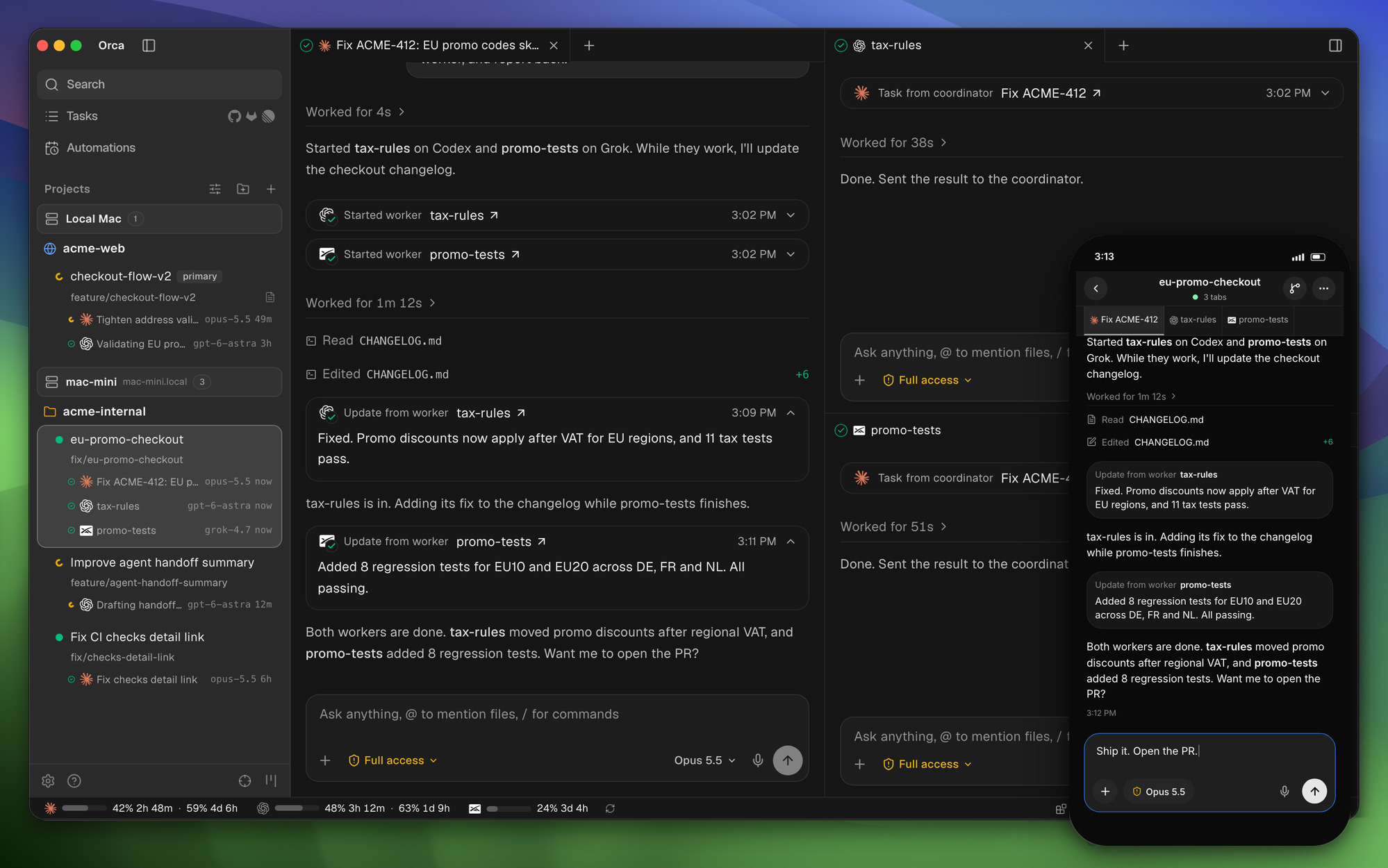
On a trial task, hand someone the host, worktree path, branch or commit, and the exact check to run. If they are taking over from another checkout, commit the changes or attach a patch. If your team's regular interruption is a laptop leaving Wi-Fi, put the reconnect probe first. If your delays come from looking for the right version of someone else's change, make that Git handoff the trial task.
Sources
About the author
Crafting seamless user experiences with a passion for headless CMS, Vercel deployments, and Cloudflare optimization. I'm a Full Stack Developer with expertise in building modern web applications that are blazing fast, secure, and scalable. Let's connect and discuss how I can help you elevate your next project!
Comments
Join the discussionNo comments yet. Be the first to comment.