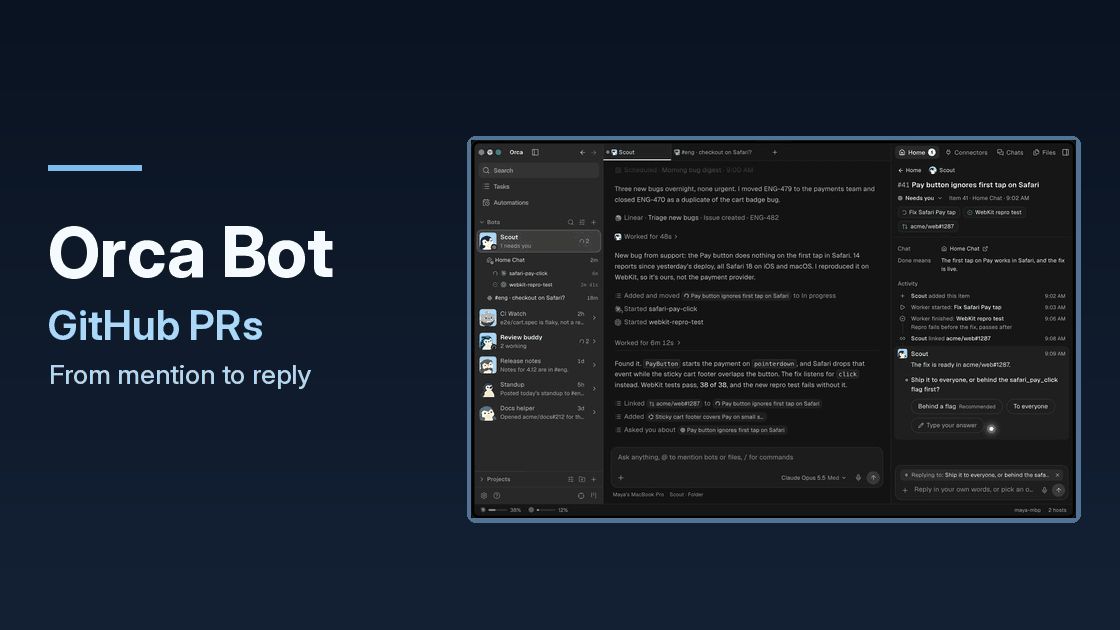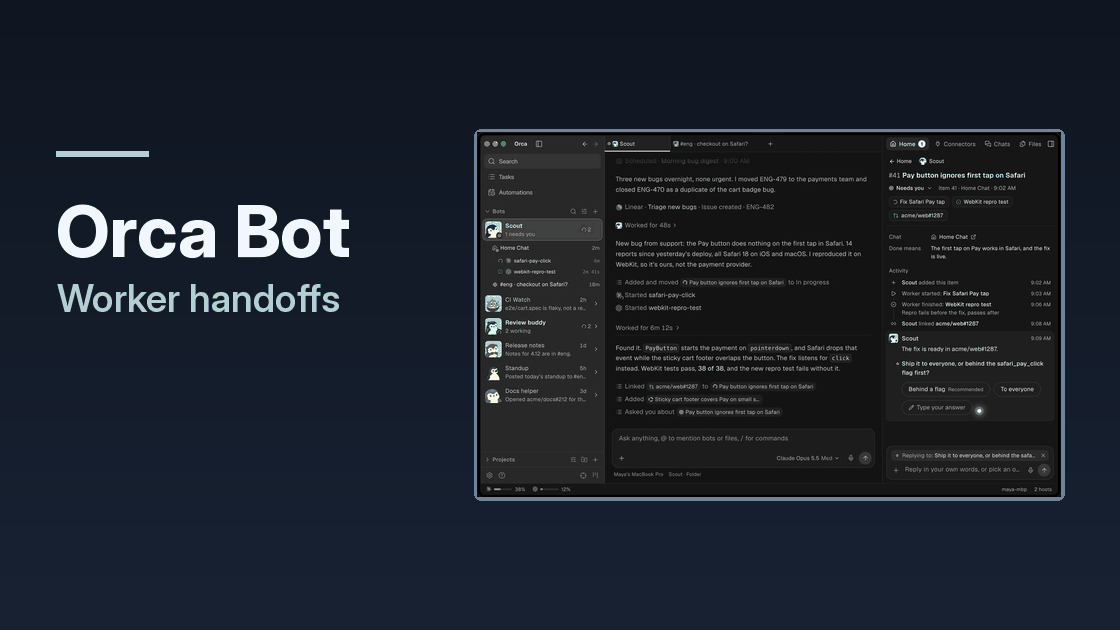
Orca Bot entered beta in Stably's v1.4.265 release on November 19, 2026 (November 20 in Taiwan). It can take work in one chat, send a coding agent into a separate Git worktree, and bring the result back for review. If you spend part of every release copying commit IDs and file paths between agent sessions, try moving one handoff into Orca Bot and practice recovering it when a worker goes quiet.
1. Give the bot a job that survives the first conversation
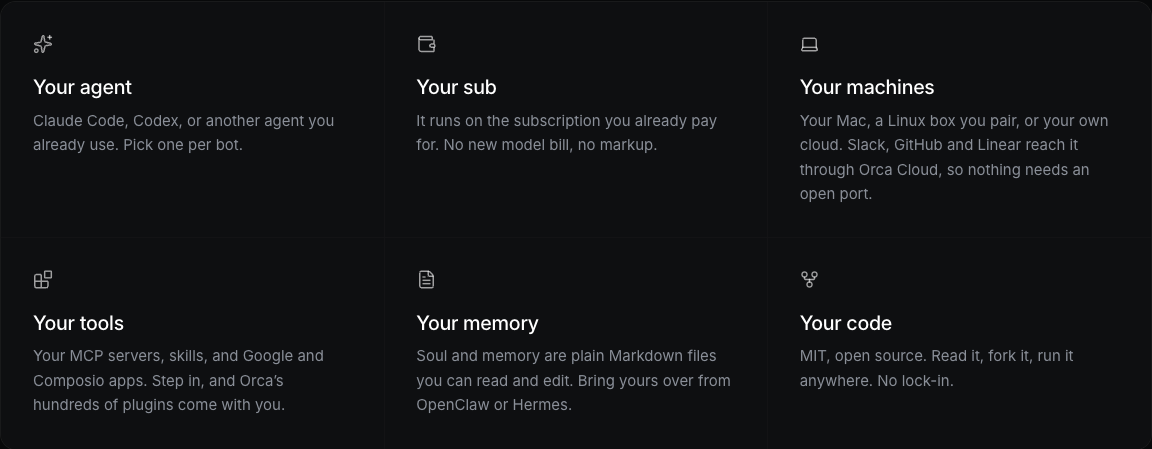
Open Bots in Orca's sidebar and choose +, New bot, then Start from scratch. Name it for a responsibility, such as release prep. Before creating it, check where it will run and which agent it will use. Select Change to pick another host or agent, then select Create. Orca uses the supported agent already installed and signed in there. The work counts against that agent's plan. Orca Bots quickstart
A regular Orca orchestration run can coordinate several workers for a bounded job. It records tasks and dispatches in the run. A bot has an ongoing purpose and memory, so you can return with a new job under the same responsibility. Pick the latter when you expect the same handoff to come up again. Start from the bot's chat before adding a schedule or a connector. Orca orchestration documentation
2. Make the handoff a pair of files you can review
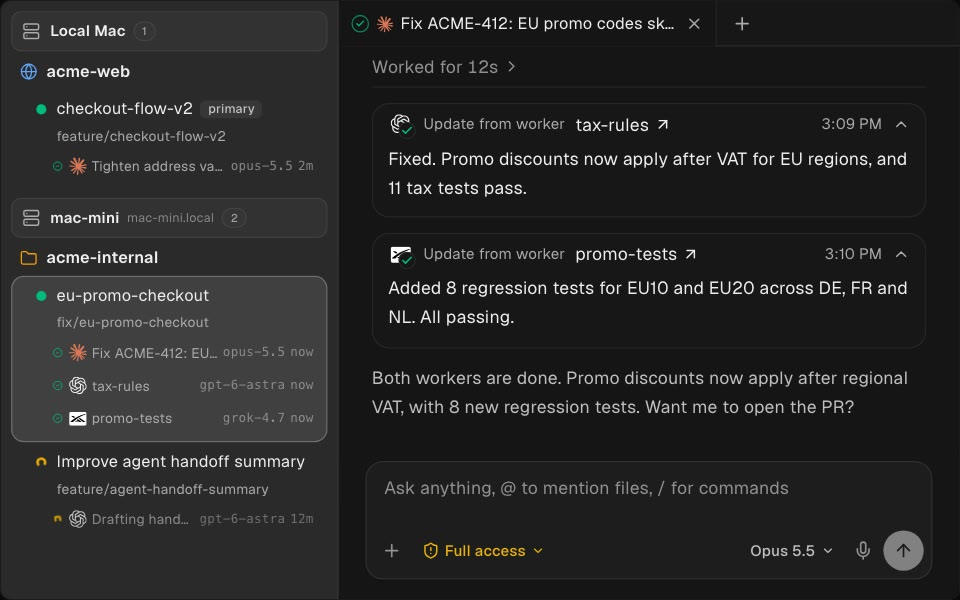
Suppose a feature lives in app and its release note belongs in docs. The first deliverable is a source commit and its relevant test. The second is a release note somebody can check against that commit without reading every chat. Replace the repo names with two test repos you control, then try this request.
Find the change for the upcoming feature in app and read its test.
Ask a worker in a separate docs worktree to write release-note.md.
In release-handoff.md, record the source commit, test path, docs branch, changed paths and check results.
If you cannot find the source commit, stop the handoff and say what is missing.
Return the docs branch and both file paths for review. Leave merging and publishing to me.
Open the worker from the bot's sidebar and check where the result actually lives. The docs branch should contain release-note.md and a release-handoff.md that points to the same source commit you inspected. If someone else can get from that note to the change and its test, they can review the release note independently. Stably's demo shows Scout linking a pull request and asking how to ship the fix. Orca Bot use cases
Keep the bot's responsibilities in SOUL.md and preferences it needs across jobs in MEMORY.md. Put the release-note schema and check command in the repo that owns them. A worker opened directly in docs can then follow the same instructions as a worker started by the bot. Review changes to those instructions through the repo's usual Git process. Orca Bot security and files
3. Check the worker when a task goes quiet
A bot's Home lists requests for a decision, sign-in, or approval under Needs you. Waiting can explain a dependency such as CI, review, or deployment. If an item has been marked in progress for longer than you expect, open the worker's worktree and look for its last activity, the expected files, and any dependency it may be waiting on. Look at the branch before starting another worker on the same job.
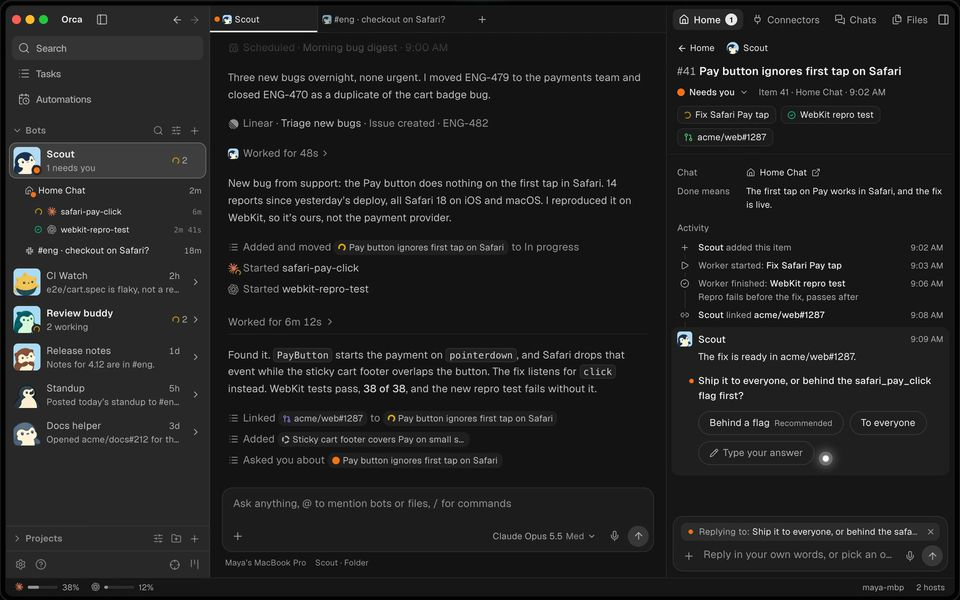
Use the release-note example to practice recovery. If the first worker recorded the source commit and then stopped before writing the note, another worker can start from that commit. If the note and handoff both exist, inspect the diff and check results first. If CI is still pending, check the CI run. The card helps you navigate to the job. The files and the worker's activity tell you how far the job got.
Orca's November 23 release, v1.4.272, lists recovery for specific interruptions. Some conversations paused by usage limits can continue after an account switch or restart. Terminal worker recovery after restart depends on Resume work on restart being on. On November 29, v1.4.282 added an experimental Activity inbox for bot items needing input and agent updates. Check the worker and the repo before retrying, even when the new inbox gives you a clearer status. v1.4.272 release notes · v1.4.282 release notes
4. Schedule the smallest handoff that passes review
Run the release-note handoff manually first. Give a teammate release-handoff.md and the docs branch, then ask them to locate the source change, the note and its review checks. If they can do it without the bot's chat, make the next run a narrow scheduled report, such as listing docs branches waiting for review.
The bot's chosen host needs to be awake and online to work. A paired server that stays awake can handle a job started while your laptop is closed. For a Codex bot using Ask for approval, Orca's docs say the session starts read-only until a request is approved. Keep the merge and publish credentials with the person who owns release approval. You can expand what the bot does once you can verify the artifacts it leaves behind.
FAQ
Does Orca Bot need a separate model subscription?
Orca Bot runs a supported agent already signed in on its host computer. Usage counts against that agent's plan. Check which account the selected host uses before you run work there.
Can I open the code that a bot's worker changed?
Open the worker under the bot in Orca's sidebar to see its own worktree, terminal and editor. You can also review its branch or pull request using the same process you use for other changes.
Sources
About the author
Crafting seamless user experiences with a passion for headless CMS, Vercel deployments, and Cloudflare optimization. I'm a Full Stack Developer with expertise in building modern web applications that are blazing fast, secure, and scalable. Let's connect and discuss how I can help you elevate your next project!
Comments
Join the discussionNo comments yet. Be the first to comment.