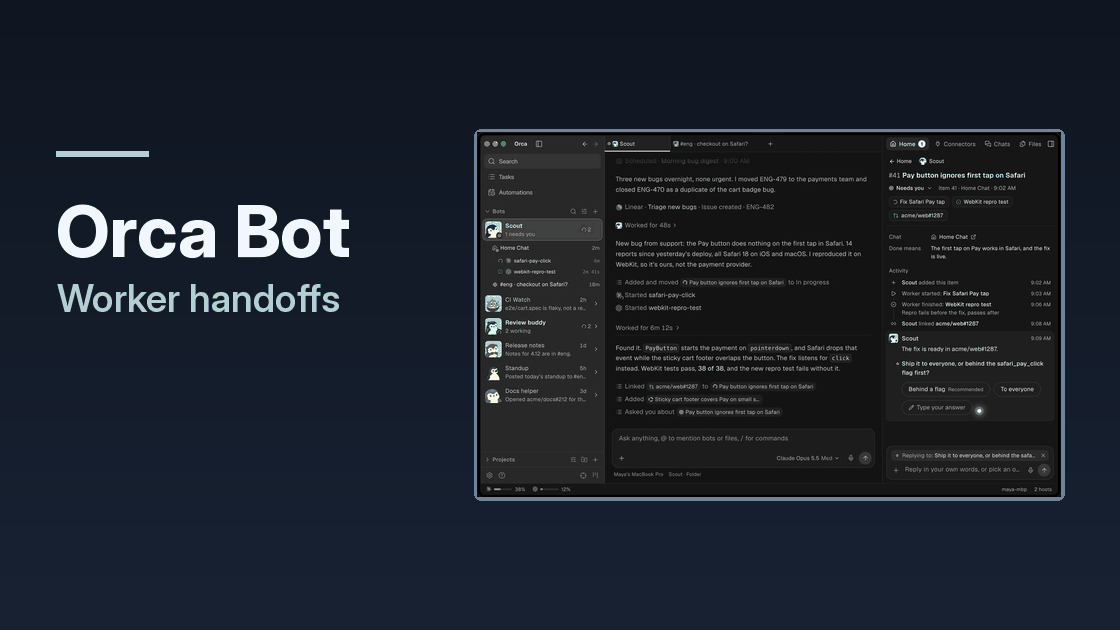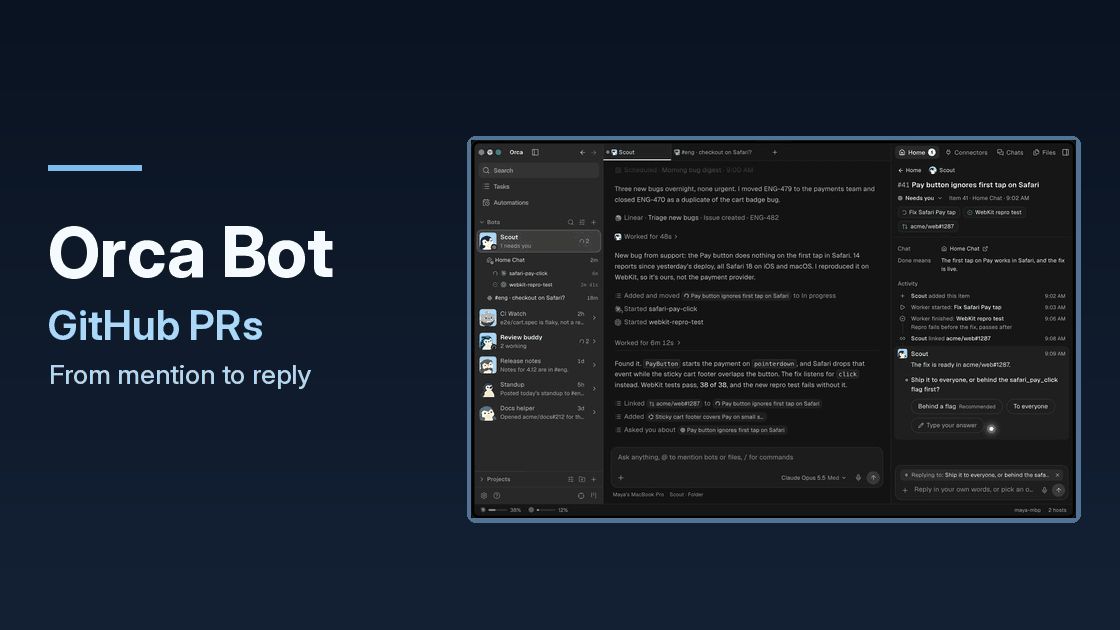
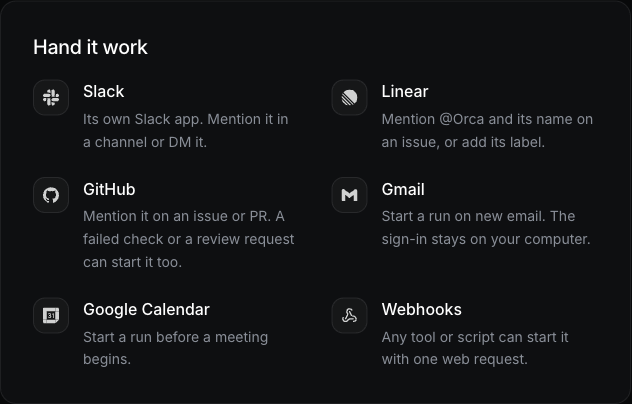
Orca Bot can take a mention from a GitHub pull request and reply in the same thread through the Orca app. The setup below follows the connector documentation as of November 30, 2026. Use one repository you’re authorized to configure, a computer running Orca, and a supported coding agent already signed in there. The first test is a comment on a small PR whose diff you already know. Orca GitHub connector
1. Install the connector on one test repository
Create a bot from Bots by selecting +, New bot, then Start from scratch. Give it a single job that fits in one comment. Ask it to inspect the PR diff and suggest a check you could run. Select the computer and the agent that will take requests, then choose Create. Keep that computer awake and online for the test. Orca Bot setup
Sign in to Orca and open the new bot’s Connectors tab. Select GitHub, choose Connect GitHub, and sign in to GitHub in the browser. Select Install the Orca app and give the installation access to one disposable repository. An organization owner may need to approve that installation. Back in Orca, select Turn on for your bot. The connector should show a How to ask line with the mention to use. GitHub connector setup
2. Send a manual request from the pull request
Open a test PR that changes a line of README copy. Jot down the changed file and the latest commit so you have something to compare with the reply. Start a PR comment with the exact mention shown in How to ask, then add the request below. Leave event-based automations off during this test so you can tie the reply to this comment.
Review only this PR’s diff. List changed files and one check that could catch a regression. Include a file path or line when you have evidence. If you need to change anything, ask first. Leave formal reviews, pushes and merging to me.
Use a GitHub account authorized under Who can ask. By default, only the bot’s owner can make requests. To test a teammate’s path, add the teammate there and have them send the comment from their account. In Orca, look for the incoming request and check that it refers to the test PR before relying on the answer. Who can ask the bot · Connector access checks
3. Check which account can act on the repository
The reply in the PR where the bot was asked comes from the Orca app. For separate GitHub work, the agent can use the gh account signed in on the computer running the bot. A push can use the Git credentials available there. Check that host’s accounts before inviting teammates. The app name identifies the account that posted the reply. To see what other actions the bot can take, check the credentials available on the host. GitHub connector identities
Orca tells the agent to approve, request changes, or merge only when asked. Enforce the limits you need in the repository and in the bot’s permission settings. Where the chosen agent supports it, select Ask for approval before opening the test conversation. For Codex, Orca documents read-only access until an action is approved. Check the conversation itself if it was already open, since it keeps its previous mode. GitHub can require reviews or restrict pushes on a protected branch. Check the actual rule and any bypass permissions for the accounts available on the host. Orca Bot permissions · GitHub protected branches
4. Verify the reply and check the PR timeline
Open the original PR and look for a reply from the Orca app in the same thread. Compare the file path and proposed check against the actual diff. Then compare the latest commit with the one you recorded and read the PR timeline. The test passes when the reply lands in that thread as a comment, the commit stays the same, and the bot leaves the PR open without submitting a formal review.
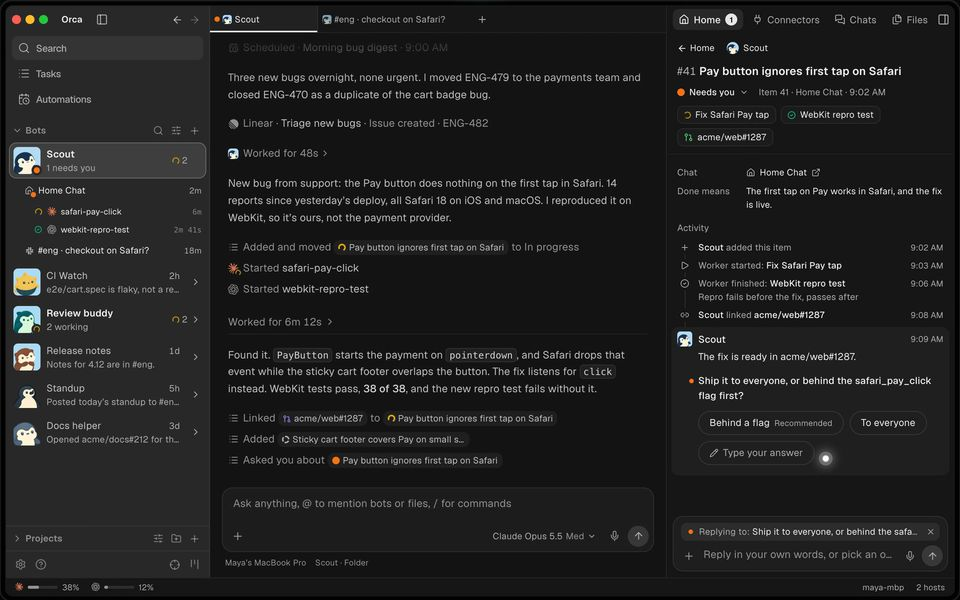
If the request never appears in Orca, check the repository selection, caller access, and the computer’s online status before sending another comment. A request someone sends from GitHub can wait in Orca Cloud for up to a day while the bot’s computer is offline. Connector delivery
FAQ
Does my own PR comment also start an automation?
Orca’s GitHub connector documents manual mentions separately from event-based rules. An owner’s ordinary comments, reviews, and pushes generally do not start an automation. An enabled rule triggered when the owner opens a new PR is an exception, and GitHub-reported events such as CI results can also match an enabled rule. GitHub automation events
Does the bot computer need an inbound port open?
The bot computer connects out to Orca Cloud to pick up connector requests. The computer must be online to process the request. Orca connector delivery
Sources
About the author
Crafting seamless user experiences with a passion for headless CMS, Vercel deployments, and Cloudflare optimization. I'm a Full Stack Developer with expertise in building modern web applications that are blazing fast, secure, and scalable. Let's connect and discuss how I can help you elevate your next project!
Comments
Join the discussionNo comments yet. Be the first to comment.