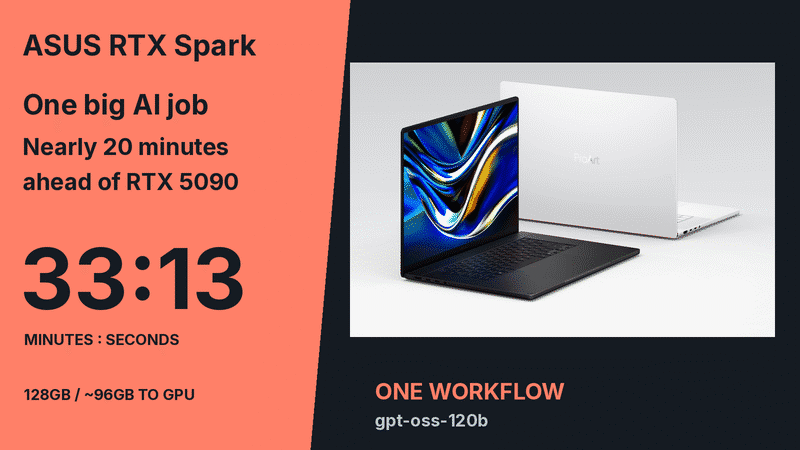
NVIDIA RTX Spark processed 472,084 total tokens in a fixed gpt-oss-120b sports research workflow on an ASUS ProArt P16, taking 33 minutes and 13 seconds against an RTX 5090 desktop's 52 minutes and 51 seconds, in PCWorld's October 29, 2026 review. The laptop generated 79,903 completion tokens and the desktop 92,270, so the elapsed times were not measured at an equal output length.
PCWorld's Brad Chacos attributes the laptop's lead to the larger GPU-accessible memory pool and the difference in memory architecture; the test did not isolate those effects. For developers choosing local inference hardware, it is a reason to examine the workload's memory requirements before ranking machines by GPU compute.
The publication revisited the case in its November 4 platform assessment.

Matched starting conditions produced different output lengths
PCWorld executive editor Brad Chacos froze a research workflow and ran gpt-oss-120b with the same prompts, inputs, stage boundaries and inference settings on both systems. His original review says live web access and state acquisition were outside the timed portion.
The ProArt processed 392,181 prompt tokens and generated 79,903 completion tokens, totaling 472,084. The desktop generated 92,270 completion tokens. Both elapsed times therefore belong to the reported workflow runs; they do not isolate hardware speed at a fixed output length.
| PCWorld configuration | GPU memory configuration | Workflow completion time | Completion tokens |
|---|---|---|---|
| ProArt P16, 128GB unified memory | Roughly 96GB allocated to GPU; the test also crossed into system memory | 33 min 13 sec | 79,903 |
| RTX 5090 desktop, plus 96GB system RAM | 32GB GDDR7 | 52 min 51 sec | 92,270 |
The NVIDIA RTX Spark vs RTX 5090 result comes from this one model and workflow; the review does not establish performance across other models or workloads. Dividing these elapsed times by one side's token count would mix different amounts of generated work with the hardware difference. The review also does not establish equal answer quality between the two runs.
That makes the case useful for planning a test, rather than declaring a universal winner. Keep the model, inference settings and timing boundary fixed, then inspect output length and quality alongside total completion time.
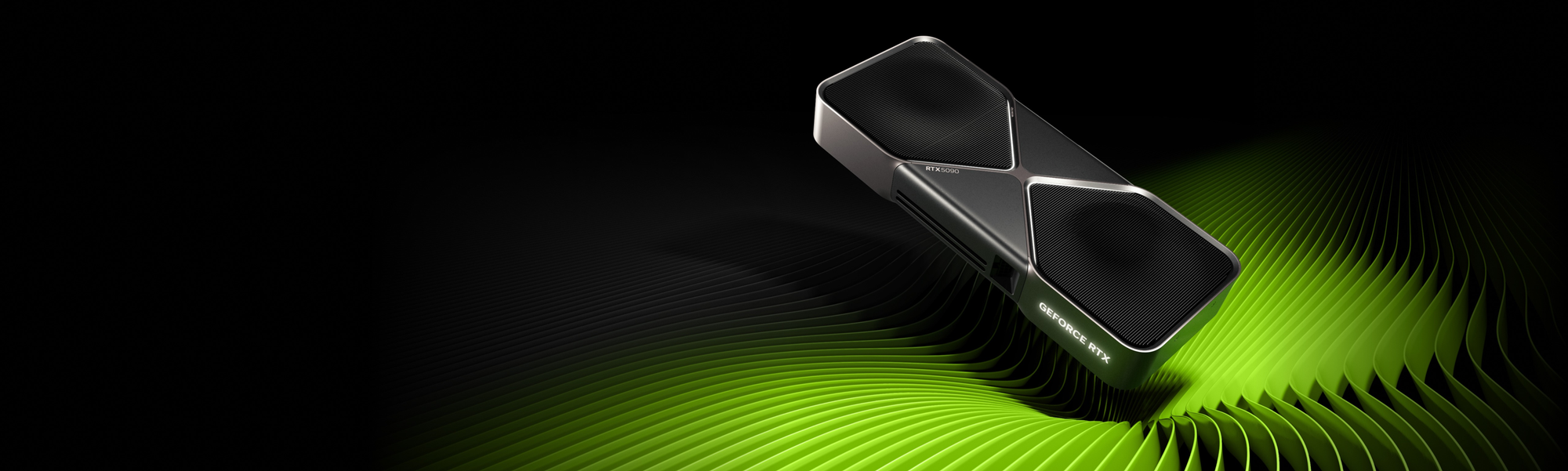
The laptop exposed roughly 96GB to its GPU
The ProArt P16's 128GB is a shared CPU and GPU memory pool. Chacos used MyAsus to allocate roughly 96GB to the GPU, although his workload still crossed into system memory. The official ASUS product description identifies large-model inference and generative workflows among the uses for that unified architecture.
His desktop paired a Core i7-14700K with 96GB of system RAM and an RTX 5090. NVIDIA's official specification lists 32GB of GDDR7 on the graphics card. Adding the desktop's two memory capacities does not make them equivalent to the laptop's shared pool.
Chacos attributes the laptop's lead to the oversized workload and the difference in memory architecture. He also stresses that the RTX 5090 has far more raw GPU power and can use it when a workload fits comfortably within its VRAM.
OpenAI's gpt-oss announcement describes gpt-oss-120b running efficiently on a single 80GB GPU. That deployment example helps explain the scale involved, without setting a minimum for every quantization or context configuration. Model weights, inference caches and the rest of the workload still determine what must fit.
For a local AI performance benchmark, memory allocation belongs beside the model name in the results. A nominal 128GB laptop specification alone does not tell a developer how much memory the GPU could use during a particular run.
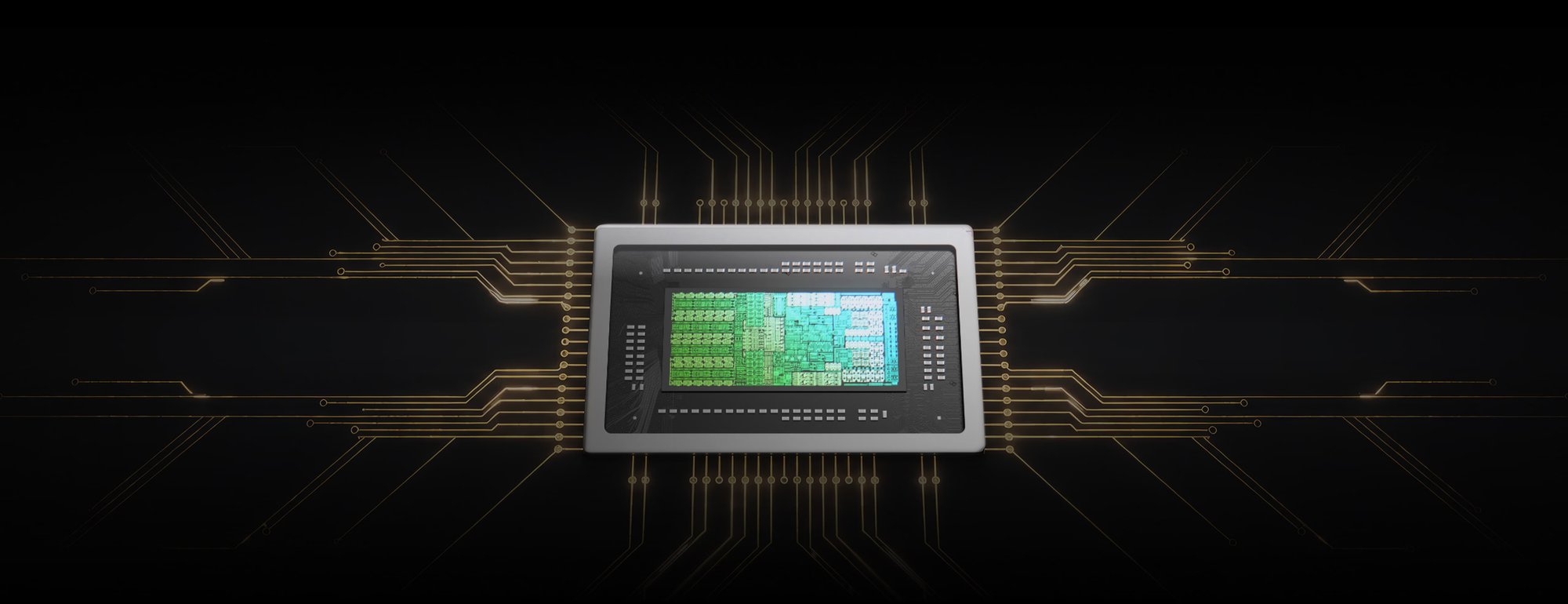
Sustained inference consumed 46 percentage points of battery charge
The ProArt P16's charge fell from 100% to 54% during the roughly 33-minute run, and Chacos reported loud fans under sustained inference. Those observations make power and cooling part of the engineering decision. They are not a full battery-endurance test or an energy comparison with the desktop.
The NVIDIA RTX Spark laptop case also shows the work beyond loading a model. Chacos encountered failed runs, truncated outputs, context problems and prompts that needed revision. He ultimately used local models for large, well-defined jobs and stronger cloud models for some reasoning and checking tasks.
Our reading is that the working set should set the first hardware threshold. If the required model and inference cache stay comfortably inside an existing GPU's memory, test that system first. If regular workloads exceed the RTX 5090's 32GB pool and must run locally, a 128GB unified-memory machine deserves evaluation with those actual jobs.
Acceptance should depend on completed work, output quality and sustained performance while plugged in. The ability to load a large model is one requirement; the PCWorld result gives developers a concrete reason to measure what happens next.
Sources
About the author
Crafting seamless user experiences with a passion for headless CMS, Vercel deployments, and Cloudflare optimization. I'm a Full Stack Developer with expertise in building modern web applications that are blazing fast, secure, and scalable. Let's connect and discuss how I can help you elevate your next project!
Comments
Join the discussionNo comments yet. Be the first to comment.