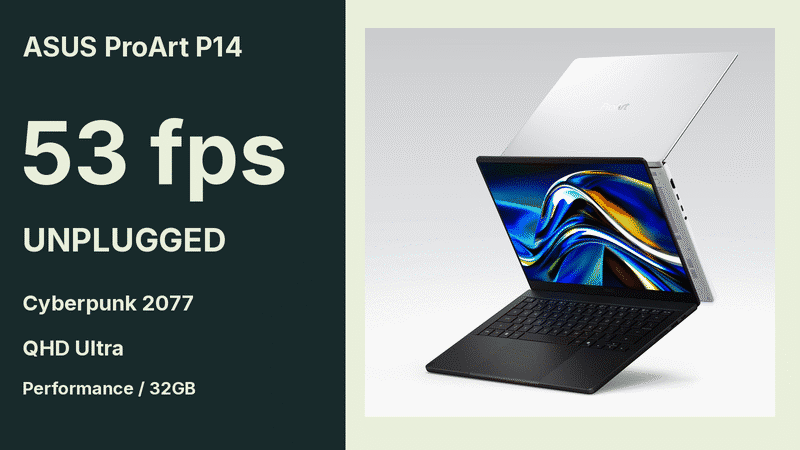
ASUS ProArt P14 delivered the same 53 fps on battery and AC power in Notebookcheck's Cyberpunk 2077 QHD Ultra test, reported in its November 4 review. The 32GB review unit ran in Performance mode, with maximum fan noise of 54.9 dB(A) listed for both power sources.
For a developer or creator who takes a workstation away from a desk, that is useful evidence of performance retention in the reported tests. It also leaves a separate choice about acoustics. Switching the same machine to Whisper produced 34 fps in that game test and a maximum noise reading of 38.4 dB(A).
Our reading is that power-profile selection deserves as much attention as the plugged-in specification. The review offers measurements for choosing that profile, while its battery-life figures describe a different workload.

The unplugged scores stayed close to the AC results
Notebookcheck tested an ASUS ProArt P14 H7407 with an RTX Spark N1X, a 20-core CPU, a 6,144-core Blackwell GPU and 32GB of onboard memory. Reviewer Andreas Osthoff used Performance mode for the benchmarks and supplied a separate row for Performance mode on battery.
| Reported test | Performance on AC | Performance on battery |
|---|---|---|
| Cinebench 2024 multi-core | 1,647 | 1,597 |
| 3DMark Steel Nomad | 2,872 | 2,863 |
| Cyberpunk 2077, QHD Ultra | 53 fps | 53 fps |
| Maximum fan noise | 54.9 dB(A) | 54.9 dB(A) |
The CPU and GPU scores remained close, and the reported game frame rate matched. That makes the result relevant to someone evaluating short periods of work away from a charger. It gives them a measured starting point for testing whether their own job retains its speed on battery power.
These benchmarks did not measure local AI inference throughput or how long the laptop could keep running that game before exhausting its battery. A rendering or agent workload needs its own completion-time and battery-use test. The 53 fps result cannot supply either figure.
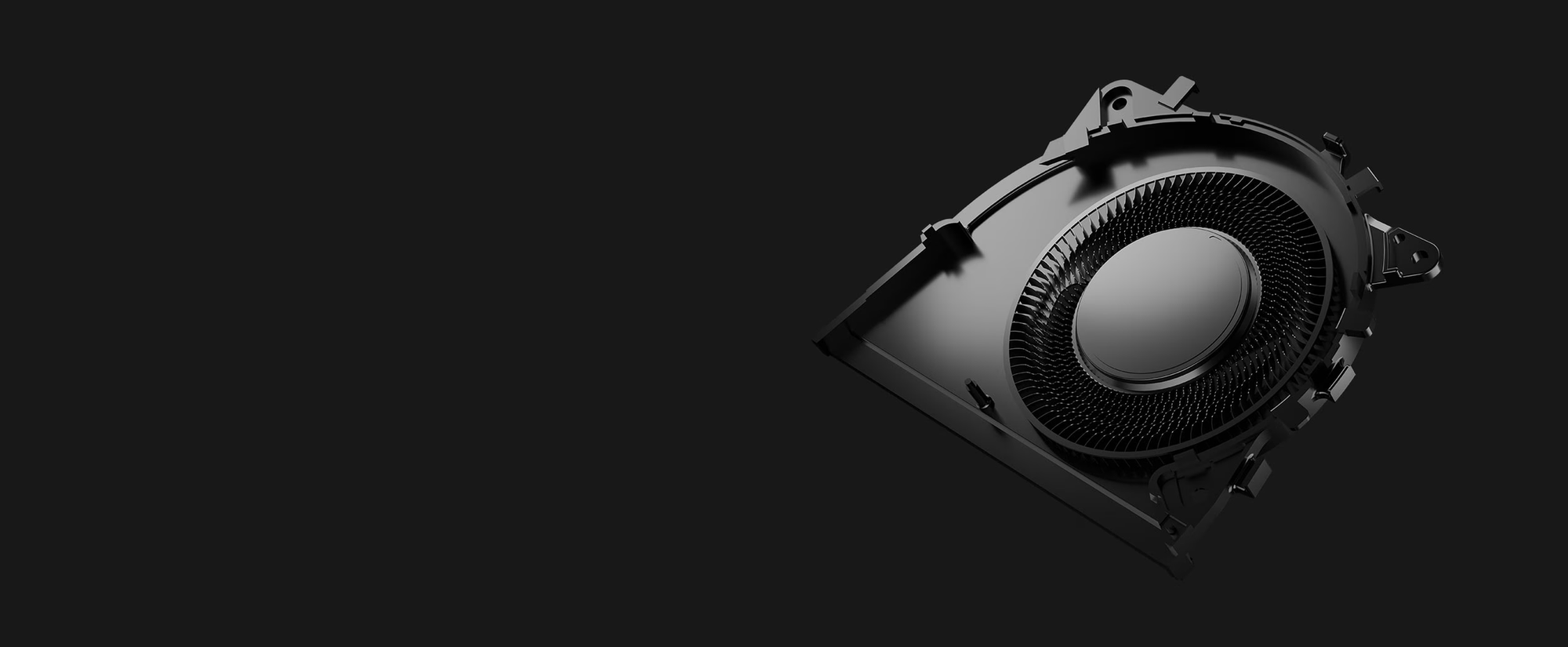
Choosing a quieter profile changed performance more than unplugging did
Notebookcheck's 32GB ASUS ProArt P14 H7407 showed a larger gap in reported performance and maximum fan noise between Whisper and Performance than between AC and battery operation in Performance mode. In Cyberpunk 2077 at QHD Ultra, Standard delivered 43.1 fps with maximum fan noise of 44.9 dB(A).
| Profile | Steel Nomad | Cyberpunk 2077, QHD Ultra | Maximum fan noise |
|---|---|---|---|
| Whisper | 2,094 | 34 fps | 38.4 dB(A) |
| Standard | 2,503 | 43.1 fps | 44.9 dB(A) |
| Performance | 2,872 | 53 fps | 54.9 dB(A) |
ASUS's official product page describes 0 dB Ambient Cooling as stopping the fans under moderate workloads when thermal demand is low. That operating condition differs from the review's high-load Performance measurements. The quiet-cooling feature is therefore a conditional behavior to evaluate alongside the profile table.
For work in a quiet shared room, we would make successful completion in Whisper part of the acceptance criteria. If a job requires Performance mode, the fan noise belongs in the evaluation with the completion time. ASUS says ProArt Creator Hub brings performance and system controls together, giving a prospective buyer a place to inspect the relevant settings during a demonstration.

A 90Wh battery did not produce one fixed runtime
Notebookcheck's 32GB ASUS ProArt P14 H7407 lasted 11 hours and 57 minutes in its Wi-Fi browsing test at 150 nits. At maximum screen brightness, browsing runtime fell to 6 hours and 53 minutes. Both are browsing measurements; neither establishes endurance for sustained AI generation or rendering.
The official H7407 specifications list a 90Wh battery, a weight of 1.48kg and a 14-inch, 2880-by-1800, 120Hz display. The review's brightness-specific results give those specifications practical context: a portable chassis and a large battery still leave the workload and display setting to determine runtime.
Configuration also matters when applying the review. ASUS lists onboard memory options from 24GB through 128GB, with specifications and availability varying by model and market. The tested 32GB machine allocated 16GB to the GPU by default and left 16GB for the system. That is the reviewed configuration, rather than a memory ceiling for the product family.
For mobile acceptance testing, keep the actual SKU and workload fixed, choose a profile that is acceptable in the intended room, then measure unplugged completion and battery use. The P14 review supports a narrow, useful finding: its listed Performance benchmarks retained nearly all their scores away from AC power. Long-running local AI endurance remains a separate measurement to obtain.
Sources
About the author
Crafting seamless user experiences with a passion for headless CMS, Vercel deployments, and Cloudflare optimization. I'm a Full Stack Developer with expertise in building modern web applications that are blazing fast, secure, and scalable. Let's connect and discuss how I can help you elevate your next project!
Comments
Join the discussionNo comments yet. Be the first to comment.