Notion 2.45 - A Comprehensive Update to Supercharge Your Productivity

Crafting seamless user experiences with a passion for headless CMS, Vercel deployments, and Cloudflare optimization. I'm a Full Stack Developer with expertise in building modern web applications that are blazing fast, secure, and scalable. Let's connect and discuss how I can help you elevate your next project!
In today's fast-paced work environment, managing a multitude of apps can become overwhelming and expensive. With the rise of AI tools like search engines, writing assistants, and chatbots, navigating this sea of technology only adds to the challenge. That's why Notion AI has been significantly upgraded over the past year, streamlining your experience and eliminating the need for multiple tools. Now, Notion AI 2.45 can search, generate content, analyze data, and even chat, making it the ultimate all-in-one tool for work and personal productivity.
What’s New in Notion AI 2.45?
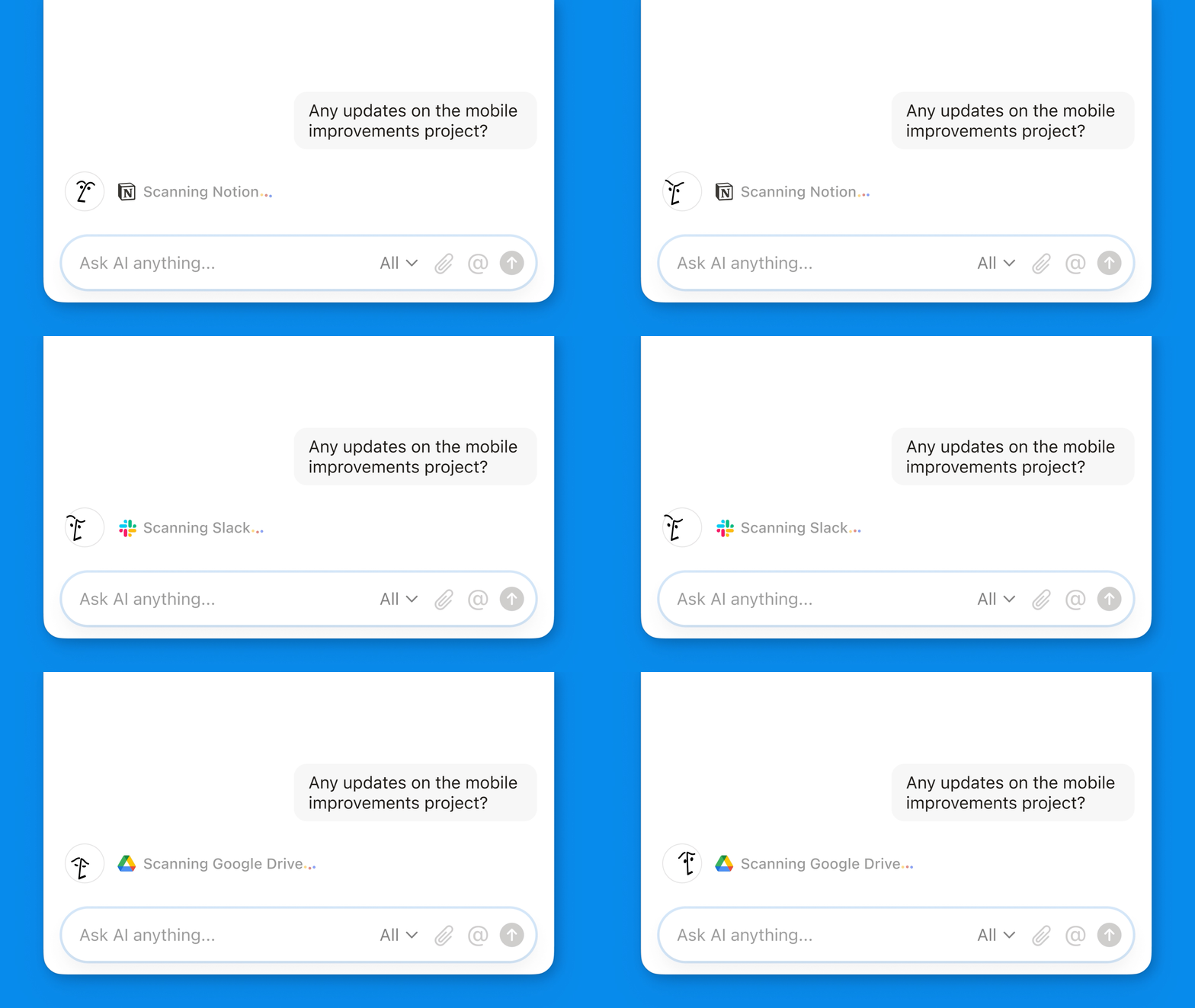
Notion AI 2.45 has undergone some exciting enhancements, combining multiple knowledge sources like Notion, Slack, Google Drive, and cutting-edge AI models such as GPT-4 and Claude. This makes it easier to use and more powerful than ever—no more prompting or toggling between apps. It’s all accessible in a user-friendly interface located at the bottom-right of your app or near the top of your sidebar. This update is designed to help users manage their work faster and more effectively, without the need for multiple platforms.
Instant Answers with New AI Connectors (Beta)
The new AI connectors make it easier than ever to retrieve information from your workspaces. Whether it's a document stored in your Notion workspace, or files in Google Docs, Slides, and Sheets, Notion AI can pull answers instantly. If you're part of a team, this feature is even more powerful, offering a centralized place to search through various connected apps. Additionally, more app integrations are on the horizon to ensure that every piece of information in your workflow is just a question away.
Key Features:
Search across Notion and third-party platforms like Slack and Google Drive.
AI-powered instant answers to your questions.
Centralized knowledge access for individual and team users.
Generate and Edit Documents in Your Unique Style
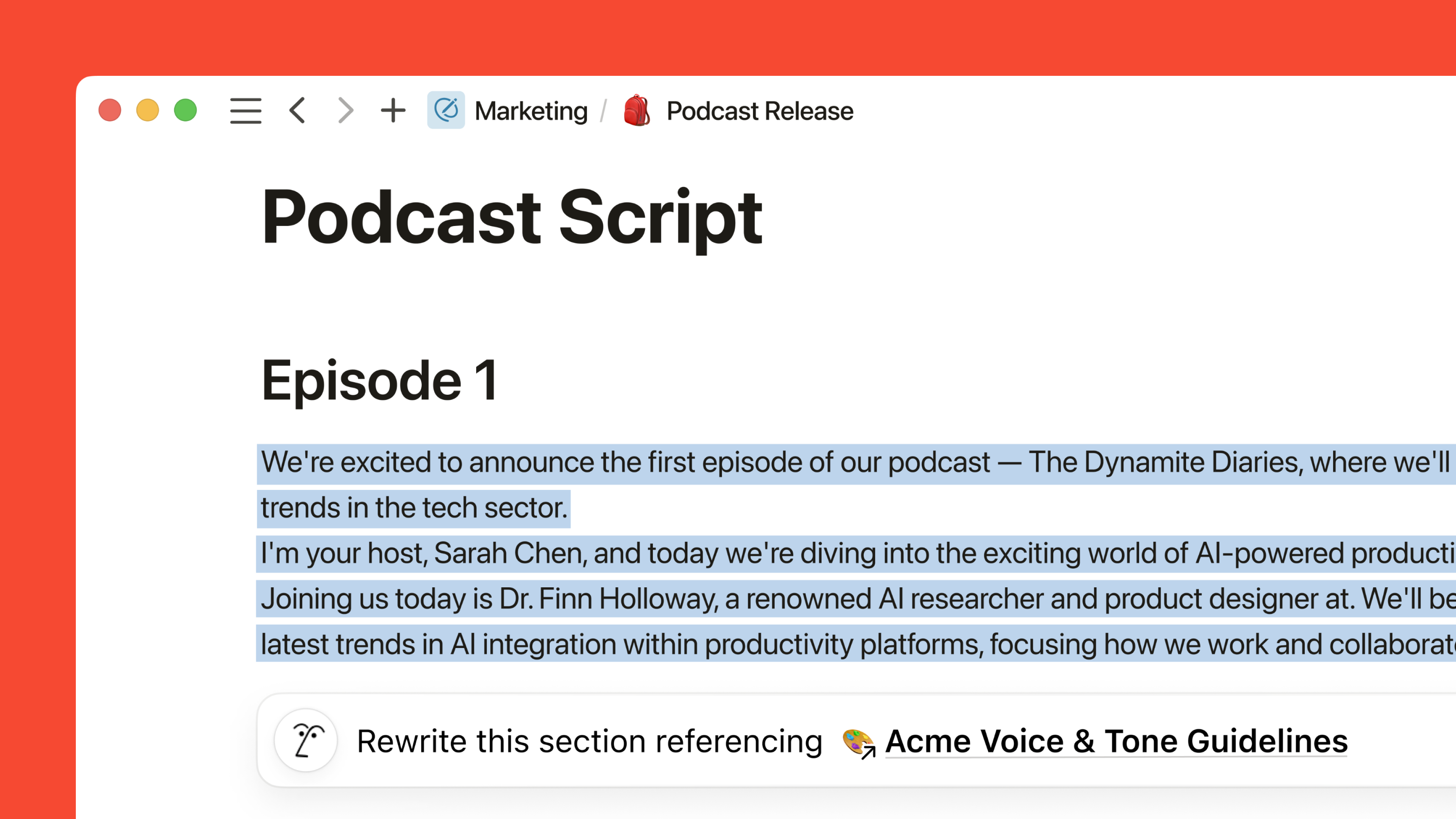
One of the standout features of Notion AI 2.45 is its ability to generate and edit documents in a style that matches your preferences. Imagine having a personal editor who understands the nuances of your writing. You can now mention any page within Notion to guide AI responses, ensuring the content is tailored to your specific needs, voice, or style.
Examples of use:
Drafting reports using feedback from your team.
Editing presentations with content pulled from external resources.
Personalizing notes or documentation to match your organizational tone.
This feature eliminates the need for generic responses, giving users content that's more aligned with their workflow. Whether you're generating a blog post, editing an email draft, or compiling a team report, Notion AI adapts seamlessly to your needs.
Analyze PDFs and Images with Ease
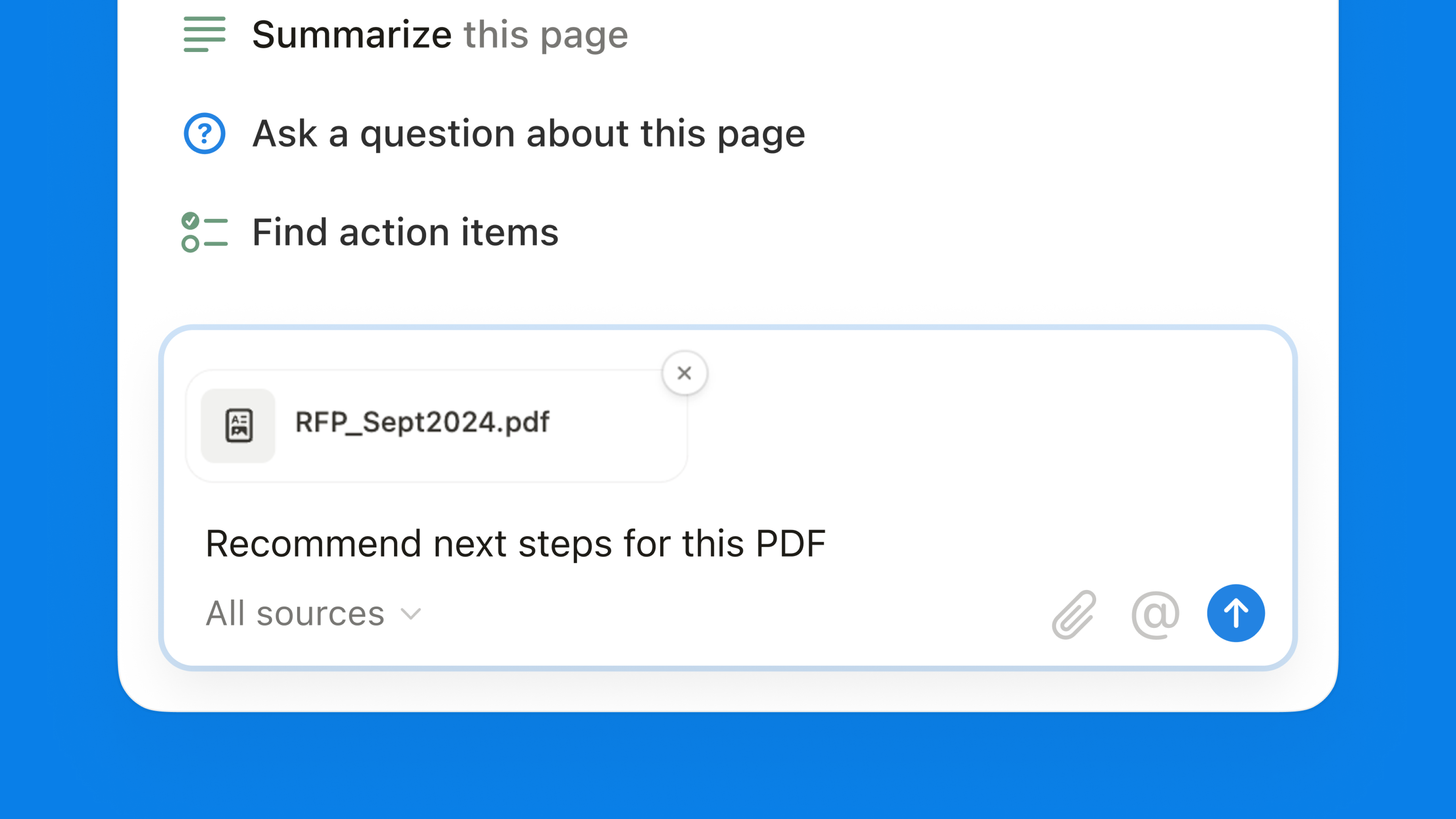
Gone are the days when analyzing PDFs and images required external software. Notion AI 2.45 allows you to upload PDFs and images directly into your chats. With the click of the 📎 icon, you can dissect complex documents, images, and charts without leaving the app.
This makes Notion AI an indispensable tool for:
Research and analysis: Quickly interpret data-heavy PDFs.
Collaboration: Share annotated documents with colleagues.
Project management: Seamlessly integrate visual content into your workflow.
The ability to analyze documents and images with AI provides users with deeper insights and reduces the time spent toggling between apps.
Conversational AI to Answer All Your Queries
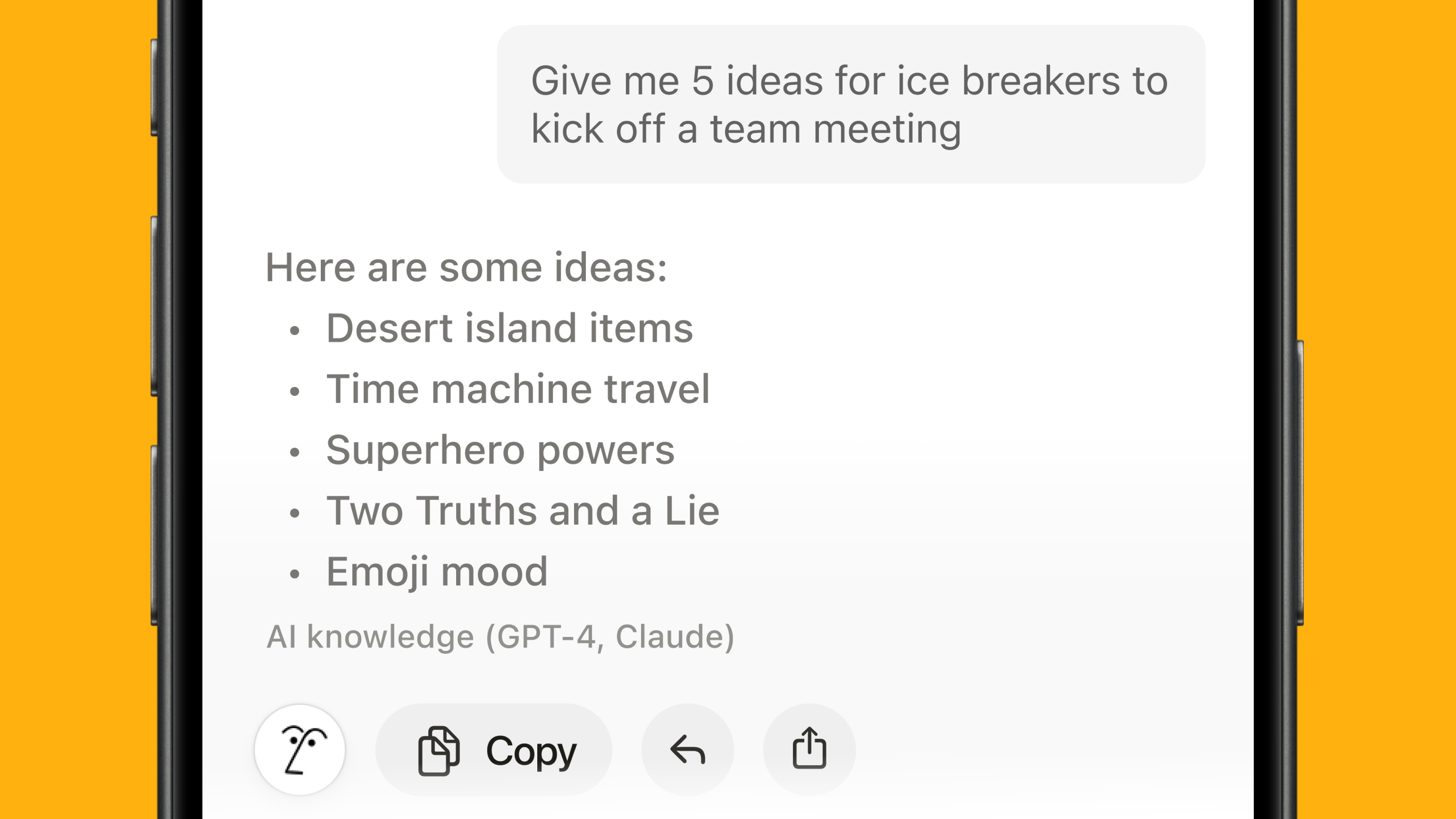
Built with advanced AI models like GPT-4 and Claude, Notion AI 2.45 offers conversational capabilities that allow you to ask it anything, privately and securely. The conversational interface makes it easy to obtain precise answers, and you can effortlessly integrate those responses into your pages. Forget about copy-pasting from another tab; Notion AI is designed to streamline this process.
Some benefits include:
In-depth research: Ask detailed questions about any topic.
Project collaboration: AI answers can be seamlessly added to your workspace.
Personal assistance: Handle everyday tasks like drafting emails or setting reminders.
How It Helps with Questions About Notion
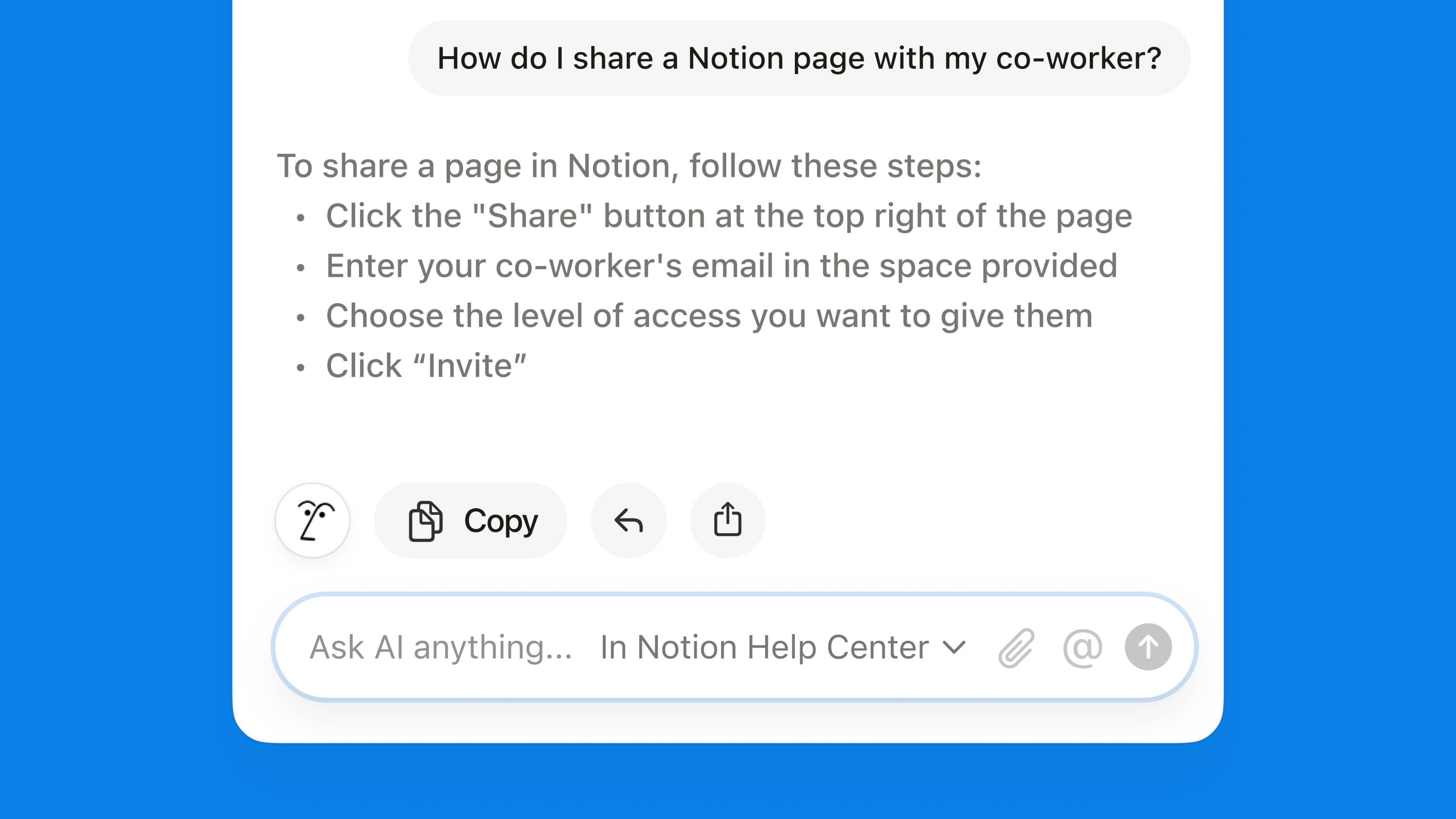
Notion's expansive feature set can be overwhelming for new users. Fortunately, Notion AI 2.45 helps you get the most out of the platform by answering your questions about Notion. Instead of digging through help documents or watching YouTube tutorials, you can simply ask Notion AI how to use a particular feature or tool, and it will guide you through the process.
Smart Suggestions to Boost Productivity
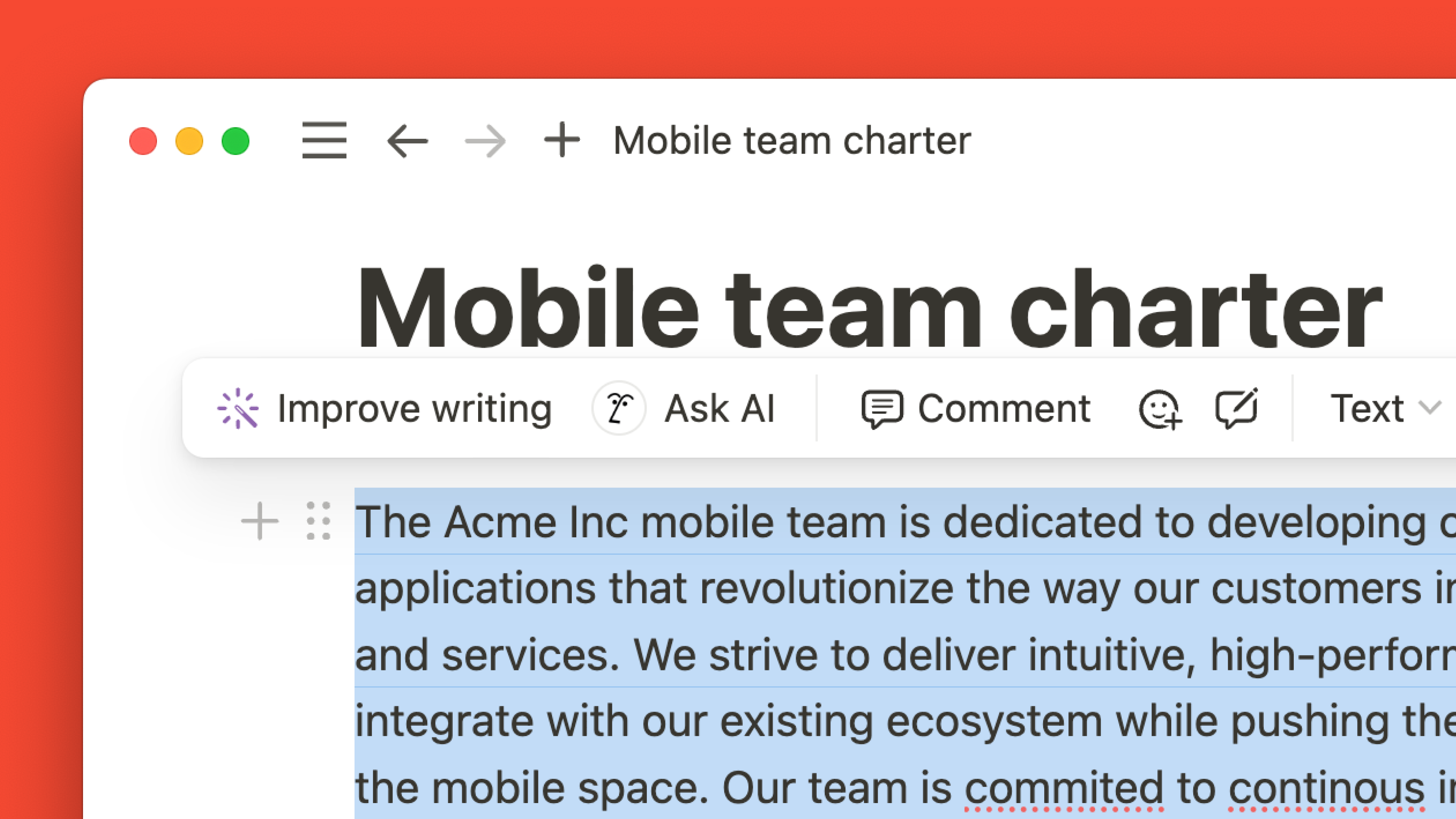
One of the most impressive aspects of Notion AI 2.45 is its ability to offer smart suggestions based on your interactions with the platform. When you highlight text, Notion AI can suggest actions such as "Explain the text" or "Improve Writing." With just a click, you get instant assistance without needing to provide additional prompts.
This feature significantly enhances productivity by:
Reducing the need for external resources.
Automating repetitive tasks like proofreading or content generation.
Tailoring suggestions based on your work habits.
These smart suggestions provide actionable insights right when you need them, saving you time and effort.
Seamless Integration with Your Workflow
Notion AI 2.45 isn’t just a standalone feature—it’s designed to work seamlessly within your Notion workflow. Whether you're collaborating with a team or working solo, Notion AI fits into your current processes, helping you manage your time and tasks more effectively.
Increased Knowledge Base
The AI connectors bring a vast range of third-party tools into Notion AI’s ecosystem. Your knowledge base is now more expansive, with access to Slack, Google Drive, and Notion files all in one place. This enables you to retrieve vital information from any corner of your workspace and integrate it into your workflow, allowing for:
Easier project management.
Enhanced team collaboration.
Faster access to essential documents.
Conclusion
In summary, Notion AI 2.45 is a game-changer for productivity, offering advanced features that enable users to manage their work in one place. From generating and editing content to analyzing PDFs and images, this latest version of Notion AI provides an all-in-one solution for individuals and teams alike. With the ability to retrieve information across platforms and answer your questions, Notion AI 2.45 ensures that you can focus on what matters most—getting your work done more efficiently.