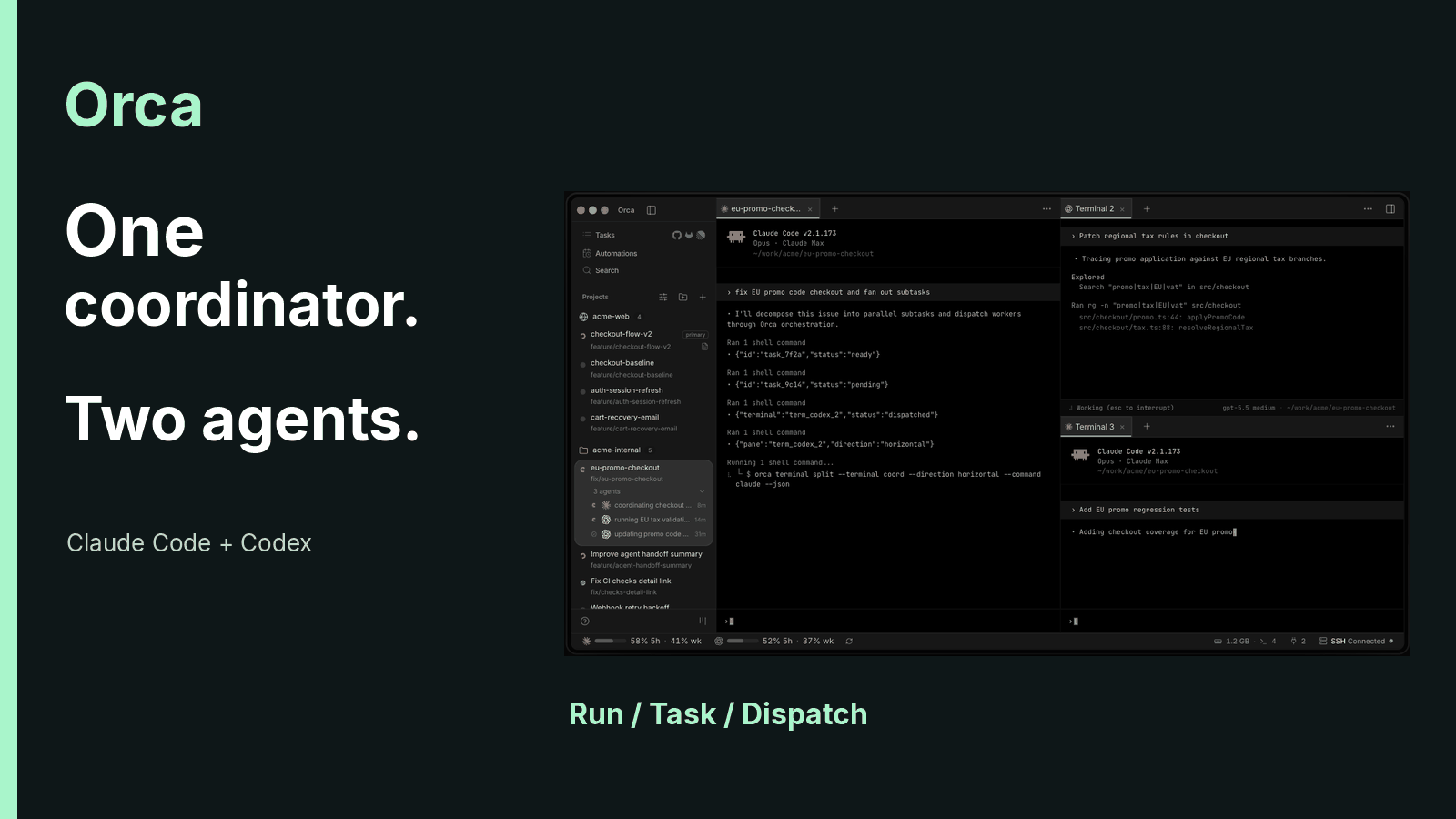
DeepSeek Harness lets developers replace the machinery around an AI model, including the loop that drives an agent through a task. As of September 11, 2026, it offers four runtime modes and remains a developer preview. Its appeal is control over how work gets done. Adopting it also means owning more of the configuration and maintenance. Official project
A coding model produces responses. A harness decides which tools it can call, what context reaches it, and how work continues after each result. Those choices affect the final software as much as a polished chat interface suggests they should. DeepSeek builds its harness on Cordis, a plugin system that makes the model adapter, session log, and agent loop replaceable through configuration. Architecture documentation
That makes a useful engineering experiment possible: change one part of the runtime while keeping the task stable. It also creates a maintenance obligation. A plugin that worked last week may need changes after a preview update. The project explicitly warns about breaking compatibility.

Start locally
Install Node.js from its official download page. Then run:
npx @deepseek-ai/dsh web
For a local launch, the Web UI defaults to http://127.0.0.1:3080 and normally opens in your browser. An SSH launch relies on your SSH client or editor for forwarding. Follow the actual terminal output. The initial command downloads and runs a package, so startup time depends on your connection and environment. Web UI guide
Configure the API key you created in the DeepSeek platform, then choose a working directory. Use a disposable project first. Select the model and reasoning settings, and review file and shell permissions before sending a task. Standard mode is a reasonable starting point for ordinary coding. Put credentials in the designated configuration, rather than a conversation you may later export.
The project's safety notice says the preview has not undergone a security audit and should not be treated as production-ready. Approval dialogs and sandbox controls reduce some risks, but cannot protect data you have authorized the process to access. A dedicated environment and limited credentials matter more than saving a few approval clicks. Official safety notice
Task 1: inspect a repository and draw its architecture
Begin with a task whose output you can check against files. An architecture diagram tests repository understanding without requiring a large initial code change.
Analyze the current project's code repository and draw a clear architecture diagram.
Use Mermaid syntax so someone with no programming background can understand the relationships between modules.
Check several important edges against the code. Does the entry point exist? Does the named module call the service shown? Does the data path match the implementation? If the UI displays Mermaid source without rendering it, open the output in a Mermaid renderer.
A readable diagram can still contain invented relationships. DeepSeek Harness provides a Trajectory view for inspecting tool calls and results. Use it to see which files informed an answer. When a diagram is wrong, checking the evidence is more productive than asking the agent for reassurance. The recorded trajectory describes observable work; it does not establish complete access to the model's internal reasoning.

Task 2: build an interactive Attention Residuals lesson
This exercise combines research with frontend development. Moonshot AI's Attention Residuals, or AttnRes, replaces fixed residual accumulation with learned attention over earlier layer representations. It concerns information aggregation across model depth. Describing it as an extra wire beside an attention layer misses the mechanism. It also does not guarantee perfect recall in long conversations. Official AttnRes research
The prompt below requires checking the research before animating it. Firecrawl is the specified research tool. Install and configure it first, or explicitly record any substitution in your test setup.
Build a website that explains a concept through interactive animation. Use a responsive layout for desktop and mobile devices.

The topic is Attention Residuals.

Attention Residuals aggregates earlier layer representations with learned, input-dependent attention weights instead of fixed residual accumulation. First use Firecrawl to find Moonshot AI's official paper and project. Verify Full AttnRes, Block AttnRes, and their relationship to Kimi K3. Do not describe the mechanism as guaranteeing that a model never loses information from a long conversation.

Users should learn through both animation and hands-on controls. Make the explanation understandable to people without a technical background.

Open the completed website and inspect screenshots of its actual rendering. Compare the result with the requirements, fix mismatches, and deliver it after those checks pass.
Review the explanation before judging the animation. If an arrow confuses depth-wise aggregation with attention between tokens, the site teaches the wrong mechanism. Then test the controls and narrow-screen layout. Any quiz should agree with the paper, rather than reinforcing an attractive but inaccurate analogy.
Task 3: simulate a bamboo toy in 3D
The next exercise adds input handling and synthesized sound. The toy is a traditional spinning bamboo cicada: a small bamboo assembly that rotates and produces sound. Require research into the physical design rather than treating a casual description as a precise acoustic model.
Build a 3D browser simulation game of a traditional spinning bamboo cicada toy. Use a responsive layout for desktop and mobile devices.

The toy has a thin bamboo piece attached to a bamboo shaft. Rubbing the shaft makes the piece rotate and produce sound. Research its construction, sound production, and real acoustic characteristics first. Make the simulation resemble the physical object; do not treat unverified descriptions as physical laws.

Core requirements:
01 Use Three.js for 3D rendering. Show convincing bamboo material and allow the user to rotate the camera view.
02 Synthesize sound in real time with the Web Audio API. Do not use prerecorded audio files. Pitch and volume must vary continuously with rotation speed and fade as the toy slows.
03 Simulate rotational physics: rubbing supplies initial angular velocity, followed by gradual decay from air resistance.
04 Use MediaPipe Hands to recognize camera gestures. Palm-rubbing movement should control the rotation speed.
05 Also support mouse dragging, phone touch input, and shaking controls.
06 Make rapid rotation visible through motion blur or trailing effects that communicate speed changes.
07 Add a playable challenge, such as continuous sounding time or maximum speed, with live scoring and a best-score record.

Test the result yourself. Verify speed-dependent sound, reasonable rotational behavior, and responsive interaction. Fix failures before delivery.
A spinning object is only part of this task. Test the camera path separately from mouse and touch input. Deny camera permission and check that the other controls remain usable. Listen while rotation slows. A fixed looping sound fails the requirement even if the visual result looks finished.
Browser permission and audio-playback restrictions belong in the acceptance check. One successful run on a developer's laptop does not establish reliable behavior on a phone. Record which device and browser you tested, along with any unsupported input method.
Task 4: build an AI slide generator
This task introduces a backend model call and streaming output. The prompt preserves the API endpoint and model identifier, plus three themes and standalone HTML export. It explicitly limits credential access to an environment variable. That variable name is a configuration convention for this exercise, not a claim that every tool reads it automatically.
Develop an AI browser-based PPT generator as a full-stack Web application.

The user pastes a long piece of text into the page and clicks Generate. The backend calls an AI model to organize it into multiple slides. The frontend renders a browser presentation with fullscreen playback and keyboard navigation. Support at least 3 color themes and export the generated presentation as a standalone HTML file. Stream the model response from the backend and show generation progress in real time.

Use an OpenAI-compatible API with base_url https://api.deepseek.com/v1 and model id deepseek-v4-pro. Read the API key only from the DEEPSEEK_API_KEY environment variable that I have explicitly configured. If it is absent, report the missing configuration. Do not search other directories or credentials, and do not expose the key in logs or frontend output. Use Context7 to check current documentation and API usage for the selected frameworks.

Test the complete flow, verify that each stage works, and fix any failures. Support desktop and mobile layouts.
The model identifier now needs a date attached. DeepSeek says requests to deepseek-v4-pro will route to V4.1 Flash starting September 14, 2026, at noon Beijing time. That is midnight EDT on September 14. The change remains in effect until a future V4.1 Pro release, with Flash pricing applied. Keeping the same identifier therefore does not preserve the same model. Current model and pricing notice
Check the exported HTML outside the development app. Interrupt a model request and inspect recovery. Test keyboard navigation and all three themes. Credentials must stay on the backend; a key in browser traffic or an exported presentation is a failed acceptance test.
Pick a preset for its capabilities
DeepSeek Harness modes compose tools and runtime capabilities. They are not four different models. The current English landing page calls the PTC-style option Code mode. Names may change during the preview, so compare the actual toolset. Official product page
| Mode | Capabilities | Useful starting point |
|---|---|---|
| Standard | Editing, shell, search, skills, planning, and subagents | General development and the four exercises |
| PTC / Code | TypeScript programs that combine multiple tool operations | Work that benefits from programmatic tool orchestration |
| Minimal | Persistent bash and str_replace_editor |
Evaluations with a restricted tool inventory |
| Creator | Runtime inspection, plugin experiments, and preset authoring | Custom plugins and agent compositions |
Code mode can express multi-step tool work as a program. Whether that improves speed depends on the task and generated code. Minimal mode makes the tool inventory easier to control during an evaluation. Its shell remains powerful, so a smaller inventory should not be confused with stronger isolation.

Install a plugin with a rollback in mind
The official community entry links to GitHub repositories carrying the dsh-plugin topic. That topic helps discovery; it is not a security-review certificate. Read the repository and license, check recent changes, and verify compatibility before allowing installation. Official community guidance
This example supplies a theme plugin's repository to the agent. The URL is an installation target, not an endorsement of its security or continued compatibility.
Install the plugin https://github.com/Small-tailqwq/dsh-deep-whale for me.
Keep the previous configuration and follow the plugin's current instructions. If it requires restarting the Web UI, stop the existing server before running the launch command again. Otherwise, a second process can obscure whether the original deployment changed.
npx @deepseek-ai/dsh web
To remove the plugin, ask:
Remove this plugin and restore the original settings.
Inspect the plugin list and configuration changes afterward. Restoring the color scheme is not enough to verify removal. A theme, a file-reference helper, and an image-to-text bridge also have different access needs. Converting images into OCR text or JSON adds a processing dependency and potentially another data recipient. It does not turn a text-only model into a native vision model.
Build a small plugin before replacing the loop
Creator mode can inspect the active runtime and support plugin experiments. A desktop pet is a manageable exercise because it exposes event subscriptions and cleanup behavior. Confirm that you can reuse the assets before migrating them from another local project.
Develop a DSH desktop-pet plugin that displays a small pet in the bottom-right corner of the Web interface.
Reuse the Kun Like pet assets from my local Codex directory. Do not redesign the character.
The pet should perform different actions based on the agent's current working state.
Play the supplied completion sound when a task finishes.
The audio file path is: <AUDIO_FILE_PATH>
Replace <AUDIO_FILE_PATH> with your own full local path. The placeholder avoids treating someone else's personal Downloads directory as portable configuration. Supply the intended sound yourself; the agent should not invent or download replacement assets.
Before installation, inspect behavior for running, completed, failed, and canceled tasks. Disable the plugin and verify that event listeners and audio playback stop. Cordis's lifecycle model includes reversible effects, which gives this small exercise a useful engineering test: can the feature cleanly remove what it added? Cordis primer
Publishing the plugin requires a separate authorization to push code through GitHub MCP. Review the repository for credentials and asset rights, then add the dsh-plugin topic if appropriate. Creator mode can assist implementation, but it cannot grant rights to media or substitute for code review.
Price the whole run, not the cache percentage
A demo's runtime and cache-hit rate mean little without its task, model version, tools, and billing date. We have not independently rerun these exercises. Their prompts describe acceptance requirements, not measured performance or proof that one model outperforms another.
The September 11, 2026 price table lists these V4 Pro rates in USD per million tokens. They cover model API usage, excluding external search, hosting, and other paid tools.
| V4 Pro charge | Off-peak USD / million tokens | Peak USD / million tokens |
|---|---|---|
| Cached input | $0.022 | $0.044 |
| Uncached input | $0.66 | $1.32 |
| Output | $1.98 | $3.96 |
Peak windows are Monday through Friday, 01:00–04:00 and 06:00–10:00 UTC. All other times are off-peak. After the announced September 14 routing change, the same Pro identifier will use Flash pricing instead. Recheck the table before estimating a later run. Official rates and routing rules
Consider an illustrative off-peak run with one million input tokens, 99% cache hits, and 100,000 output tokens. Cached input costs $0.02178, uncached input costs $0.0066, and output costs $0.198. The total is $0.22638. This is arithmetic from the listed rates, not an observed bill. Output dominates despite the high cache-hit rate.
For a team, an open harness reduces restrictions on modifying the tool. It does not remove API expenses or plugin maintenance. A custom extension that breaks after updates may consume more engineering time than it saves in tokens. Evaluate it against a fixed task set and track manual rework alongside completion rate.
A useful comparison changes one variable at a time. Keep the repository snapshot and acceptance tests fixed when comparing runtimes. When comparing models, record the resolved service version as well as the requested identifier. Separate time spent waiting on the provider from time spent repairing generated code. These are proposed evaluation practices, not results from an experiment we conducted.
FAQ
Is DeepSeek Harness a model?
DeepSeek Harness is an agent runtime that connects models with tools and task execution. Its plugin design allows the model adapter and other capabilities to be replaced. The configured provider still supplies the underlying model.
Which mode should a new user choose?
Start with Standard for ordinary development. PTC / Code composes tool operations in programs, Minimal provides two tools, and Creator supports plugin and preset development. Choose based on the work you need to inspect or change.
Will these prompts reproduce the same results every time?
No. Model versions, available tools, project state, and permissions affect the result. DeepSeek has also announced a routing change for the deepseek-v4-pro identifier. Use explicit acceptance tests and retain the run's configuration.
Are community plugins officially security-approved?
The dsh-plugin topic does not establish approval. The project's own safety notice offers no security guarantee. Review each plugin's source, compatibility, and requested access before installing it.
Sources
- DeepSeek Harness project and preview notice
- DeepSeek Harness architecture
- DeepSeek Harness safety notice
- DeepSeek API models and pricing
- Moonshot AI: Attention Residuals
Author Insight
I would adopt DeepSeek Harness around one recurring failure I could measure. Replacing a troublesome tool adapter is already a useful outcome. A custom agent loop can wait until the existing one demonstrably blocks the work. The important test is whether the change stays understandable and reversible after the excitement of the first demo has passed.
Glossary
| Term | Meaning here |
|---|---|
| Harness | Runtime mechanisms for tool use, task continuity, and work records |
| Agent | A model combined with a harness to execute tasks |
| Cordis | The plugin system used by DeepSeek Harness |
| Preset | A configured composition of agent capabilities |
| PTC | Programmatic composition of multiple tool operations |
| Cache hit | Input tokens billed at a rate for reusing cached content |
About the author
Crafting seamless user experiences with a passion for headless CMS, Vercel deployments, and Cloudflare optimization. I'm a Full Stack Developer with expertise in building modern web applications that are blazing fast, secure, and scalable. Let's connect and discuss how I can help you elevate your next project!
Comments
Join the discussionNo comments yet. Be the first to comment.