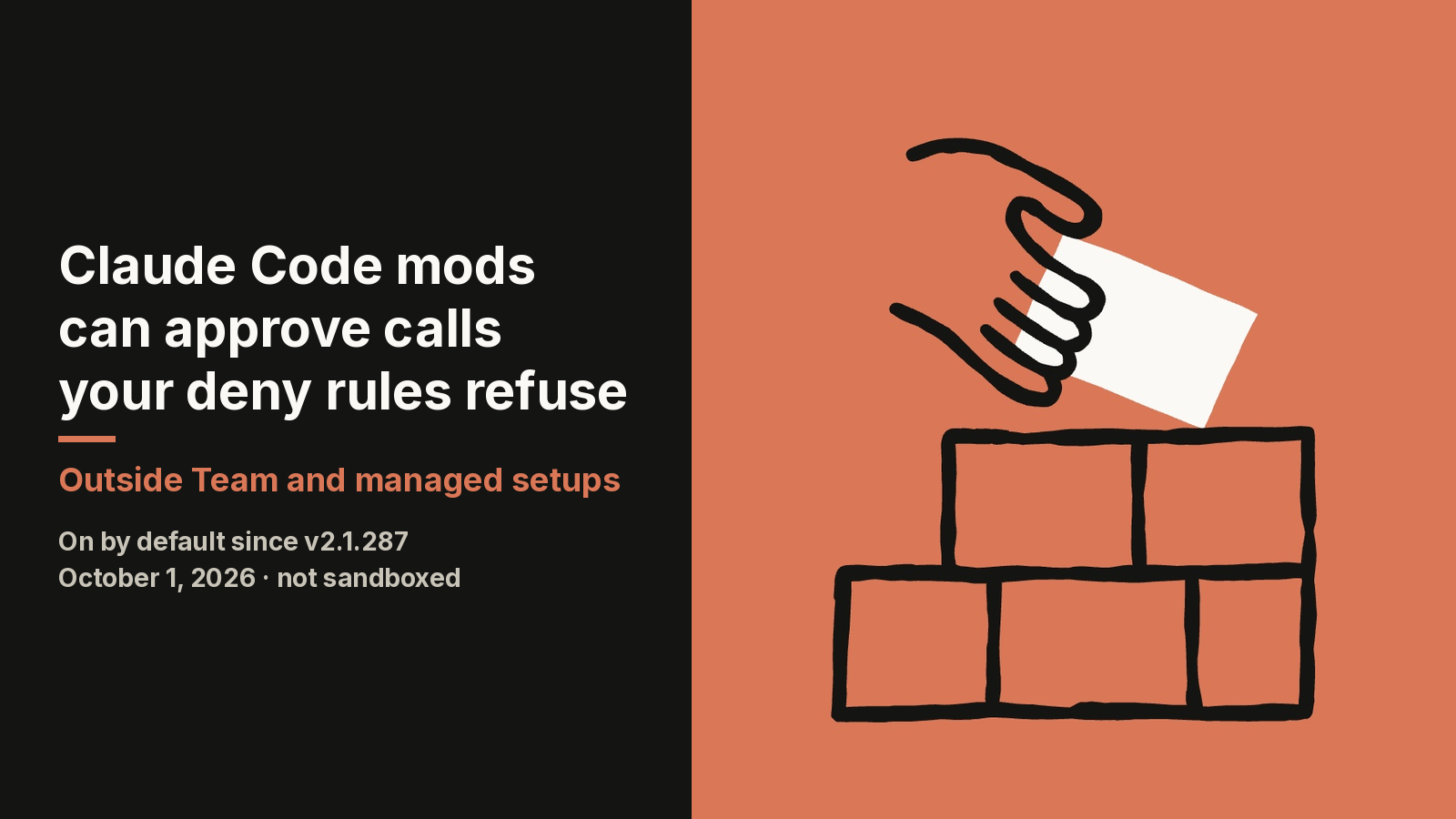
Claude Code mods have been on by default since v2.1.287 shipped on October 1, 2026, and they run unsandboxed with your permissions. A mod is a plugin whose JavaScript or TypeScript functions run inside the Claude Code process. Anthropic's mods overview lists what a loaded mod can reach: your files, your environment variables, every prompt, and every tool call. The detail the launch post leaves out sits in a different document. On a machine with no managed settings and no Team or Enterprise sign-in, a mod can approve a tool call that a deny rule refuses. This guide covers that gap, then shows how to audit a mod, write a small one, and lock mods down across a company.
The built-in guard loads only on managed machines and Team plans
Claude Code ships a built-in policy mod named sec-default@builtin, shown as cc-plugin-sec-default in /plugin. It runs ahead of every mod a user installs. Anthropic's launch post says it stops user-installed mods from doing risky things, such as overriding permission deny rules.
That sentence holds where the guard loads. It loads when the machine has managed settings, or when the user signs in with a Team or Enterprise plan. Developers who authenticate with an API key, Amazon Bedrock, Google Cloud's Agent Platform, or Microsoft Foundry get the guard only on a machine with managed settings.
Everyone else runs without it. The permissions reference says so in one line: anywhere else, the mod can approve a call that a deny rule refuses. A solo developer on an individual plan, with deny rules written to protect .env files, falls on that side of the line.
The mechanism is an event called tool.check. It fires after the permission rules and the PreToolUse hooks have decided. A mod that handles it gets the last word.
| Existing check | Guard loaded | Guard not loaded |
|---|---|---|
ask rule |
Mod can approve without a prompt | Mod can approve without a prompt |
PreToolUse block from a non-managed settings file |
Mod can approve | Mod can approve |
| Auto mode classifier | Skipped for a call the mod approves | Skipped for a call the mod approves |
deny rule |
Holds, unless the org sets allowModsToOverrideDenyRules |
Mod can approve the refused call |
PreToolUse block in managed settings |
Final; no mod sees the call | Not applicable without managed settings |
The mod's own $.fs.read and $.process.run calls |
Not covered by deny rules | Not covered by deny rules |
One protection survives everywhere. A mod can restyle much of the interface, but it cannot change what a permission prompt shows. It can only decide the call before the prompt appears.
A mod's own file and process calls skip deny rules and the sandbox
Deny rules in Claude Code govern Claude's tool calls, not a mod's own $.fs.read or $.process.run calls, and that holds on Enterprise machines too. Those calls go through the mods API, written $ in code. The admin guide for mods gives the example directly: with Read(.env) denied, a mod can still read that file with $.fs.read, or start a program that does.
Sandboxing has the same boundary. The sandbox isolates the Bash commands Claude runs, and a process that a mod starts runs outside it. An organization's network policy covers $.http.fetch. It does not cover a program the mod launches with $.process.run.
The permission boundary around mods is still being patched. The v2.1.289 changelog entry, dated October 3, 2026, lists two relevant fixes. One closed a case on managed machines where a deny or ask rule on a nested part of a compound shell command failed to hold over a user mod's approval. The other stopped a user-installed plugin from rewriting the descriptions of an organization-managed MCP server's sign-in tools. The changelog does not name the guard in either entry; reading them as fixes to the protection it provides is my inference. Two mod-permission fixes two days after launch is a reason to treat v2.1.289 as the minimum version for any team that relies on the guard.
Version also decides whether you have mods at all. MIXED Reality News reported a 16:59 UTC npm publish for v2.1.287 on October 1, and noted that npm's stable tag still pointed at 2.1.285 the next day. Run claude --version before assuming either way.
Two lines of validate output show what a mod can touch
A mod has one route to files, processes, and the network: the mods API. Claude Code refuses to load a mod whose API use it cannot read statically. That constraint makes a pre-install audit possible without running anything. Clone the plugin, then run:
claude plugin validate ./some-mod
Two lines of the output describe the code. This sample comes from the admin documentation:
  ❯ ./register.js hooks: session.start, tool.call, ui.render{component=Pane}
  ❯ ./register.js calls: $.fs.read, $.http.fetch, $.store.set, $.ui.open
Read the calls: line against this table.
| Call | What it grants |
|---|---|
$.fs.read, $.fs.write |
Reads or writes files anywhere your account can |
$.process.run, $.process.spawn |
Starts programs as you |
$.http.fetch |
Makes network requests |
$.env.get, $.settings.read |
Reads environment variables and settings, which can hold API keys |
$.env.set |
Changes the environment of every command and MCP server started afterward |
$.model.complete |
Spends your plan or API key on model calls |
$.prompt.submit, $.session.send |
Submits a prompt as you, or messages another session |
On the hooks: line, four events deserve a second look. tool.call and prompt.submit mean the mod sees and can change every tool call and every prompt. session.append means it can rewrite each row of the conversation before it is stored. tool.check is the approval event described above. A mod that pairs $.fs.read with $.http.fetch and hooks prompt.submit has everything it needs to send your work elsewhere, so open the source.
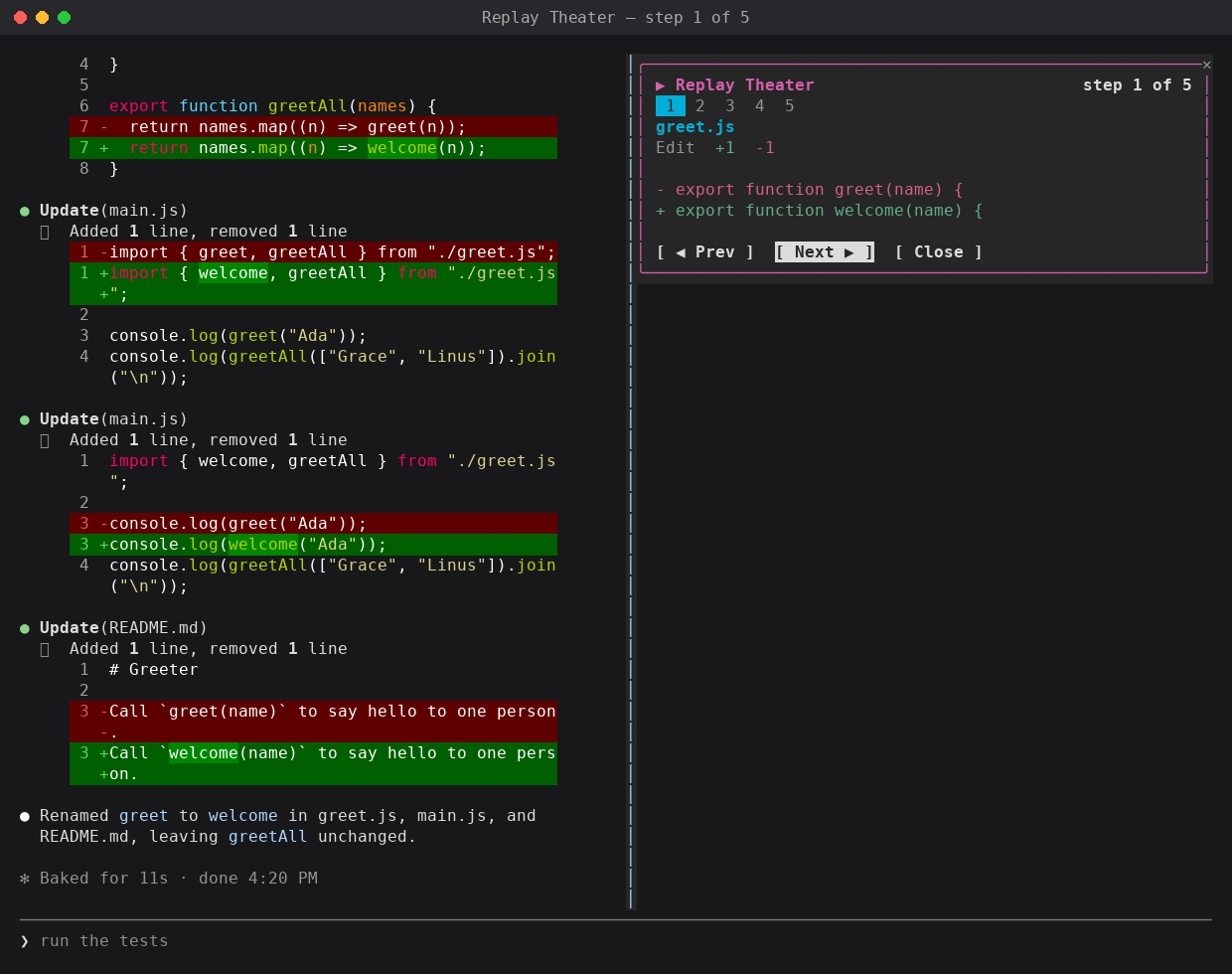
Anthropic has not published how many public mods use these capabilities. A community catalogue that runs the same validate command nightly had scanned 359 public mods as of October 2, 2026. Of those, 127 start host processes, 95 write files, 75 reach the network, and 111 see every prompt. Another 21 failed validation on v2.1.287. By my arithmetic, 35% can start a process and 31% read every prompt. The catalogue's README adds its own caveat: "A footprint is a static inventory, not a runtime safety guarantee."
A working mod is three files with no build step
A working Claude Code mod is three files, plugin.json, hooks.json and register.js, with no Node.js install, bundler, or compile step. Claude Code loads .js and .ts files directly.
mkdir -p first-mod/.claude-plugin first-mod/hooks
The manifest goes in first-mod/.claude-plugin/plugin.json:
{
  "name": "first-mod",
  "version": "0.1.0",
  "description": "Counts Claude's tool calls and shows the count beside the spinner",
  "author": { "name": "Your Name" }
}
first-mod/hooks/hooks.json points at the code. The modules key is what turns a plugin into a mod:
{
  "description": "The first-mod hooks module",
  "modules": ["./register.js"]
}
first-mod/hooks/register.js is the documentation's own example. It counts tool calls and appends the count to the spinner:
// The count, shared by the two hooks below
let calls = 0

// Claude Code calls this once when the mod loads
export function register(on) {
  // Runs each time Claude is about to use a tool
  on('tool.call', async ($, e, next) => {
    calls += 1
    // Ask Claude Code to draw the interface again, so the new count shows
    $.ui.invalidate('ui.render')
    // Let the tool run as usual
    return next(e)
  })

  // Runs each time Claude Code draws the spinner
  on('ui.render', { component: 'Spinner' }, async ($, e, next) => {
    // Keep Claude Code's spinner, with the count added after its word
    return next({ ...e, props: { ...e.props, suffix: ' · tool calls: ' + calls + '…' } })
  })
}
Load it for one session with claude --plugin-dir ./first-mod. The directory is watched, so a save reloads the module. Run /plugin and a line under the tabs reads 1 mod active · first-mod.
Each hook receives the API as $, the event as e, and a next function. Returning next(e) observes. Passing a modified copy to next rewrites, as the spinner hook does. Returning a result without calling next answers the event, and the tool never runs. The events documentation shows that third form with a force-push guard:
// The matcher limits the hook to Bash calls, so e.command is the shell command
on('tool.call', { tool: 'Bash' }, async ($, e, next) => {
  if (/git push .*--force/.test(e.command)) {
    // Returning without calling next answers the event, so the command never runs
    return { deny: 'Force pushes are not allowed in this repository. Push to a new branch instead.' }
  }
  // Every other command goes on to the permission check and then to Bash
  return next(e)
})
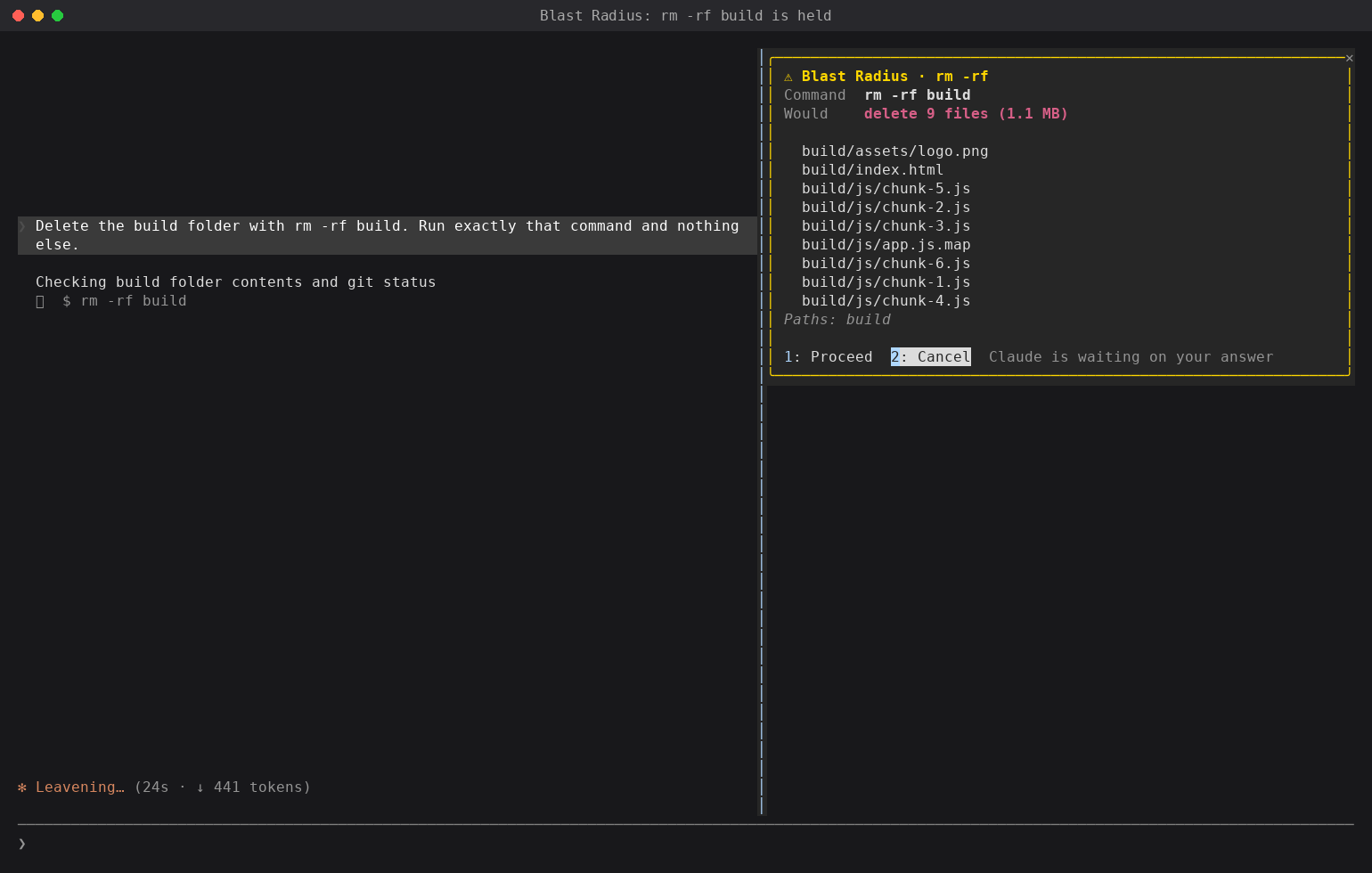
I have not run these samples independently; the code and outputs are quoted from the documentation.
Guard-style hooks fail open unless you add .catch
Guard-style hooks in Claude Code mods fail open by default. A hook gets 10 seconds per event in the v2.1.289 mods reference. If it throws or times out before calling next, Claude Code skips it and the command runs. Chain .catch onto the registration and return { deny } there to fail closed. That handler gets 1 second.
Mods run inside Claude Code; settings hooks, skills and MCP servers do not
Claude Code mods are the only one of its four extension types that runs inside the Claude Code process. This comparison is condensed from the table in Anthropic's mods overview.
| Mod | Settings hook | Skill | MCP server | |
|---|---|---|---|---|
| What it is | Functions in a plugin, called inside the Claude Code process | A shell command, HTTP request, or prompt fired by a lifecycle event | SKILL.md instructions that Claude reads |
An external process or service that provides tools |
| What it can change | Tool calls, prompts, commands, turns, and the interface | Whether a call or prompt proceeds, tool arguments and results, and context given to Claude | What Claude knows and how it works | Which tools Claude has |
| Can it draw interface | Yes | No | No | No |
| What you write | JavaScript or TypeScript | A script plus a settings.json entry |
Markdown | A server in any language |
Mod hooks also run in places with no interface. The overview says they execute in the VS Code extension's chat panel, in claude -p, and in the Agent SDK. A mod installed on a build agent is active in headless runs.
One managed setting keeps every user-brought mod from loading
Admins do not need to write a mod to block mods. Set allowManagedModsOnly on the guard, under pluginConfigs in managed settings:
{
  "pluginConfigs": {
    "cc-plugin-sec-default@builtin": {
      "options": {
        "allowManagedModsOnly": true
      }
    }
  }
}
With it set, nothing a user brings will load. That covers installed plugins, --plugin-dir directories, and mods Claude writes during a session. Users' settings hooks, status lines, and /goal keep working, and built-in mods keep running. The guard reads the option from managed settings only. If it cannot read managed settings, it refuses every user mod.
| Policy | Managed settings |
|---|---|
| No installed mods, hooks untouched | allowManagedModsOnly, no mods of your own |
| Only your organization's mods | allowManagedModsOnly, plus a directory marketplace on each machine |
| Any mod from approved marketplaces | Marketplace restrictions, plus disableSideloadFlags: true |
| No mods and no hooks, managed hooks included | disableAllHooks: true |
To confirm on a test machine, start claude --debug and search the debug log. A blocked mod produces this line:
refused by cc-plugin-sec-default: mods are limited to your organization's by policy (allowManagedModsOnly)
Four configuration mistakes silently switch the policy off
Four rules in Anthropic's admin guide decide whether allowManagedModsOnly actually takes effect.
- The option key must be
cc-plugin-sec-default@builtin.prependPluginsaccepts the shortersec-default@builtin, andpluginConfigsdoes not. - Setting
prependPluginsreplaces the default list. Leavesec-default@builtinout and the guard never loads, which disables both of its options. - A plugin installed from GitHub, git, a URL, or npm counts as a user's mod even when managed
enabledPluginsturns it on. It will not load underallowManagedModsOnly. Your own mods must sit in a directory marketplace at the same absolute path on every machine, writable only by an administrator. disableSideloadFlagsrejects--agentsand--mcp-configalong with--plugin-dirand--plugin-url. Check who depends on those flags first.
A custom policy mod can allow some mods and refuse others. It hooks plugin.register, reads e.uses.calls, and returns { refuse } for a mod that calls process.run. Two limits apply. The check fails open unless you add .catch. And a user who starts with --safe-mode, or a hooks worker that crashes three times, unloads your policy mod with the rest. Use a policy mod for audit logging and keep the hard boundary in allowManagedModsOnly.
FAQ
Are Claude Code mods sandboxed?
No, Claude Code mods are not sandboxed. A loaded mod runs with the permissions of the user who installed it, so it can read and write files, start programs, make network requests, and read API keys from environment variables. Turning on Claude Code's sandbox isolates Bash commands that Claude runs, while a process started by a mod runs outside it.
How do Claude Code mods differ from hooks?
Claude Code mods are functions that run inside the Claude Code process, while settings hooks are shell commands, HTTP requests, or prompts that run from outside. A mod can rewrite events and draw panes or buttons, which settings hooks cannot. Settings hooks are not deprecated and keep running alongside mods, according to the admin documentation.
How does an individual developer turn Claude Code mods off?
An individual developer can set "disableAllHooks": true in ~/.claude/settings.json to stop every installed Claude Code mod in every session. That setting also stops settings hooks and a custom status line. claude --safe-mode does the same for one session, and the old CLAUDE_CODE_ENABLE_FUNCTION_HOOKS variable is ignored from v2.1.287 onward.
Can a Claude Code mod override deny rules?
Yes, a Claude Code mod can approve a tool call that a deny rule refuses on a machine with no managed settings and no Team or Enterprise sign-in. It does so by handling the tool.check event, which fires after permission rules and PreToolUse hooks have decided. Where the built-in sec-default guard loads, deny rules hold by default unless the organization sets allowModsToOverrideDenyRules.
How do I check what a Claude Code mod can do before installing it?
Run claude plugin validate on the mod's directory before installing it; the command lists what the mod does without running its code. The hooks: line shows the events it handles, such as tool.check or prompt.submit. The calls: line shows the mods API methods it uses, such as $.fs.read, $.process.run, and $.http.fetch.
Sources
- Anthropic: Mods overview, Claude Code Docs
- Anthropic: Manage mods for your organization, Claude Code Docs
- Anthropic: Create a mod, Claude Code Docs
- Anthropic: React to events with a mod, Claude Code Docs
- Anthropic: Mods reference, Claude Code Docs
- Anthropic: Configure permissions, Claude Code Docs
- Anthropic: Claude Code changelog
- Anthropic: Customize Claude Code with mods in TypeScript
- MIXED Reality News: Claude Code 2.1.287 adds mods, and Anthropic says they can read your API key
- GitHub: awesome-claude-code-mods community catalogue
Author Insight
If claude plugin validate shows tool.check on the hooks: line and your machine has no managed settings and no Team or Enterprise sign-in, do not install the mod without reading its source. On that machine a tool.check handler can overrule the deny rules you wrote for the files and commands that must never be touched. For a fleet, the threshold is v2.1.289. Below it, keep allowManagedModsOnly on and admit mods one reviewed plugin at a time. Teams that write their own guard mods should chain .catch onto every hook that returns { deny }, because one timeout otherwise lets the command through.
About the author
Crafting seamless user experiences with a passion for headless CMS, Vercel deployments, and Cloudflare optimization. I'm a Full Stack Developer with expertise in building modern web applications that are blazing fast, secure, and scalable. Let's connect and discuss how I can help you elevate your next project!
Comments
Join the discussionNo comments yet. Be the first to comment.